Windows XP Windows 7 Windows 2003 Windows Vista Windows 綜合教學 Linux 系統教學
Windows 10 Windows 8 Windows 2008 Windows NT Windows Server 電腦軟體教學

Win7 誤刪 audiodg.exe 怎麼辦?從同版本系統複製或下載補回

編輯:Win7 系統應用技巧

audiodg.exe (Windows Audio Device Graph Isolation) 是 Windows 7 核心音訊處理程序,誤刪會導致無聲、音效異常。需從相同版本系統補回檔案。

修復方法

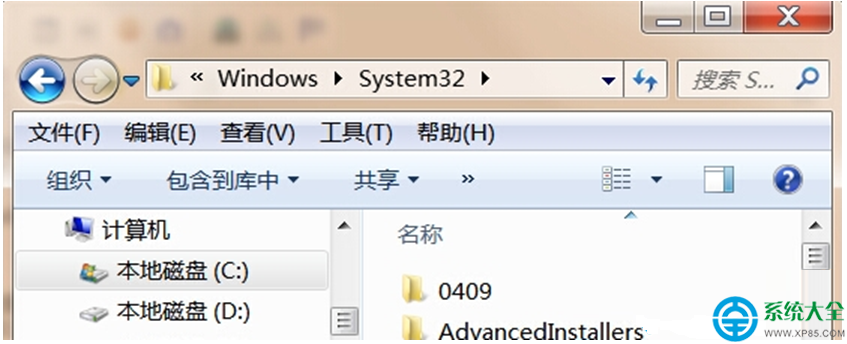
  1. 檔案位置:C:\Windows\System32\audiodg.exe
  2. 最佳來源:相同版本(家庭優化/專業/旗艦)、相同位元數(32/64-bit)、相同更新狀態(SP1/無 SP1)的 Windows 7 系統,複製 audiodg.exe 到上述路徑。
  3. 次佳來源:可信任網站下載對應版本檔案(注意版本號需完全一致,如 6.1.7601.17514)。
  4. 複製後,若系統提示檔案正在使用,進入安全模式複製覆蓋,或使用 takeown/icacls 取得檔案擁有權後替換。

注意:切勿從不同版本系統複製,會導致版本不符引發新錯誤。若無同版本來源,建議執行 sfc /scannow 讓系統自動從元件存放區還原,或執行就地升級修復安裝(保留資料重裝系統)。

Copyright © Windows教程網 All Rights Reserved