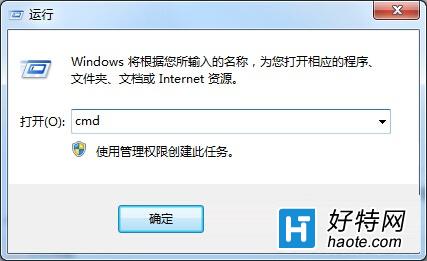
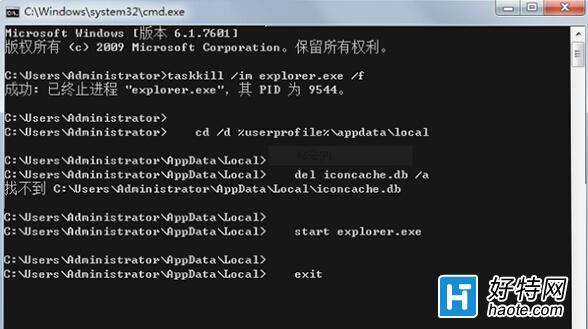
桌面圖示背景變白、顯示異常,通常是圖示快取檔損壞。透過命令提示字元刪除快取並重啟總管即可恢復。
taskkill /im explorer.exe /f
cd /d %userprofile%\AppData\Local
del iconcache.db /a
start explorer.exe
exit
原理:結束 explorer.exe → 刪除損壞的 IconCache.db 與縮圖快取 → 重新啟動 explorer.exe 自動重建快取。操作完成後圖示即恢復正常。
Win7 透過登錄檔封鎖 135 與 445 連接埠提升安全性
Win7浏览器输入路由器地址无响应?正确格式+常见品牌默认地址大全
電腦安裝 Windows 7 系統完整教學:U 盤 PE 啟動 + Ghost 還原
Win7 無法修改帳號密碼?電腦管理→本機使用者取消「使用者無法變更密碼」限制
笔记本显卡 Radeon HD 8670M 性能详解:核心规格、显存位宽、游戏实测定位
Win7 如何用 systeminfo 指令查看電腦完整配置資訊
Win7 內建 Windows DVD Maker 製作動感影集:照片/影片匯入、特效選單、燒錄 DVD 完整教學
Windows 7 如何設定防止重要檔案被誤刪除