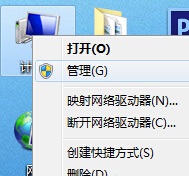
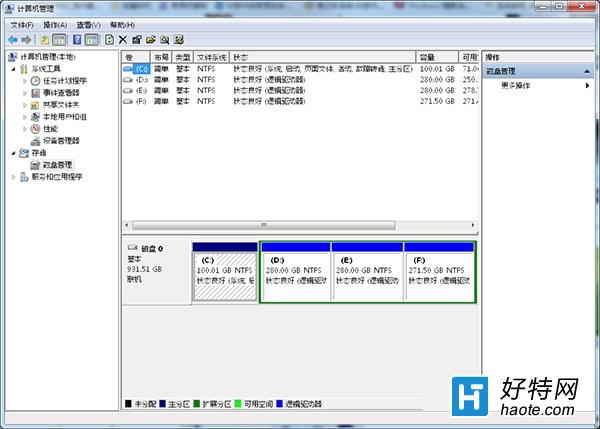
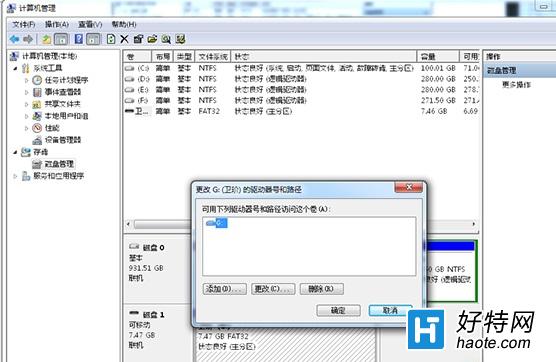
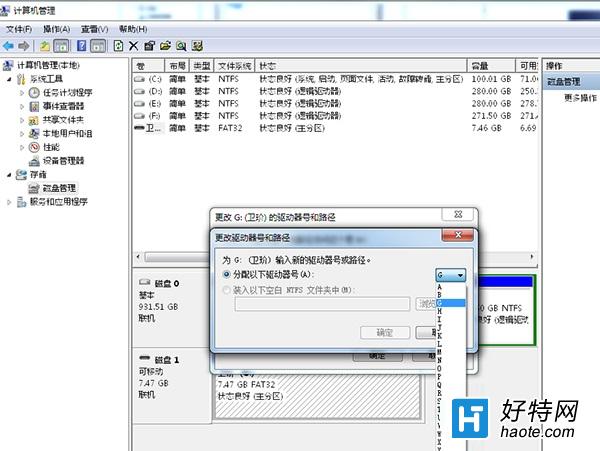
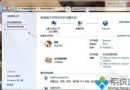
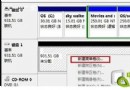
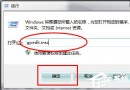
USB 隨身碟插入後出現「I/O 裝置錯誤」,常因磁碟代號衝突導致。透過磁碟管理重新指派代號即可修復。
重新指派無衝突代號後,隨身碟通常能正常讀寫。若仍異常,可能為硬體故障。
Win7 / XP 系統 IE 收藏夾資料夾位置在哪?快速尋找方法
Win7 VPN 連線錯誤 809?註冊表刪除 ProhibitIpSec 或新增 AssumeUDPEncapsulationContextOnSendRule 修復
Win7 誤刪系統檔導致不斷重開機?三大搶救法:複製缺失檔、修復安裝、U 盤重裝
Vista 調整 C 碟與分區大小:Acronis Partition Expert 實戰教學
筆電觸控板游標能動但無法點擊?觸控板設定與硬體故障排查
Win7 旗艦版安裝補丁提示「安裝程式錯誤」?本地安全性原則授權解決
Win7 提高開機速度四步驟:啟動項精簡、逾時縮短、多核心啟動、記憶體優化
Win7 更新補丁報錯 0x80070643?執行 SFC 系統檔案修復一鍵解決