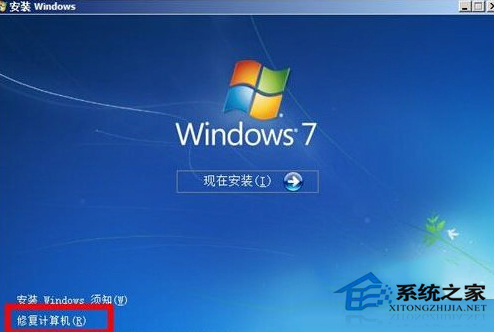
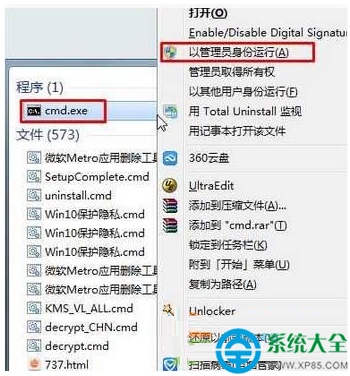
誤刪關鍵系統檔導致開機循環重啟。依嚴重程度三種搶救方案:
警示: 重裝前務必備份資料,修復安裝可保留使用者資料與程式,優先嘗試。
電腦基礎知識:機箱內的存儲設備是內存還是硬碟?
Windows 7 桌面背景無法更改?三大解決方案徹底修復
電腦公司 Ghost Win7 藍畫面 0x0000007B 解決:病毒掃描、修復控制台、硬碟模式、CHKDSK、最後正確配置
PC 端怎麼用「貨豹」?官網直達網頁版,或用安卓模擬器跑手機 App
Win7 搜尋 Excel/Word 檔案內容找不到?修改登錄啟用未知副檔名過濾
Win7 螢幕亮度調節功能消失?安裝電源管理驅動一鍵找回亮度滑桿
Windows 7 資源管理器收藏夾無法展開的註冊表修正法
筆電藍畫面 (BSOD) 完整排查與修復指南