頻繁切換網路環境會產生大量無用連線圖示,影響美觀與連線速度。可在「網路連線」介面批次清理。
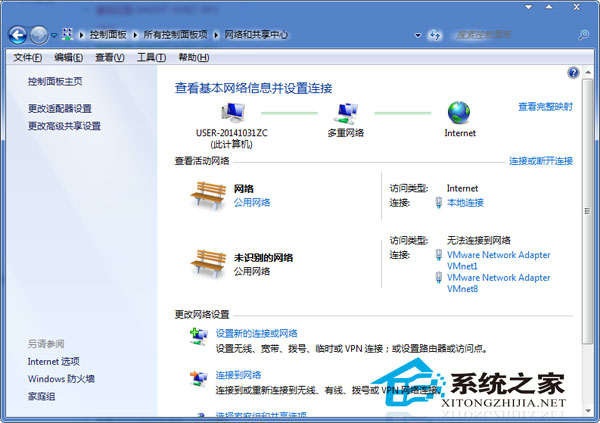
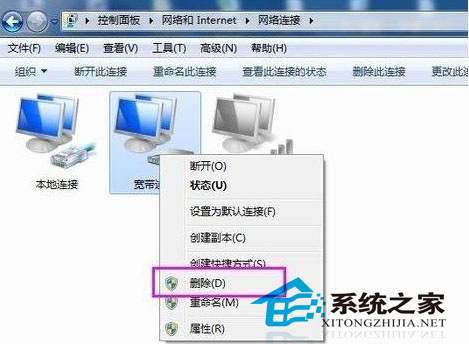
定期清理可減少網路介面卡列表載入時間,略微提升連線建立速度。
Win7 如何使用 360 極速瀏覽器截圖功能?擴充中心安裝截圖外掛、自訂儲存路徑
Windows 下做七层软负载的性能与可靠性深度分析:Http.sys/HttpWebRequest 架构的瓶颈与对策
Win7 IE 無法顯示網頁完整排查:自動偵測、IP/DNS 指派、DLL 重註冊、Winsock/TCP/IP 重置
Win7 連不上無線路由器?路由器韌體太舊不支援 Win7,更新韌體即可解決
將安全模式加入 Windows 7 / XP 開機選單,免按 F8 直接進入
Win7 Chrome 瀏覽器如何設定不記錄帳號密碼?清除瀏覽資料與隱私設定