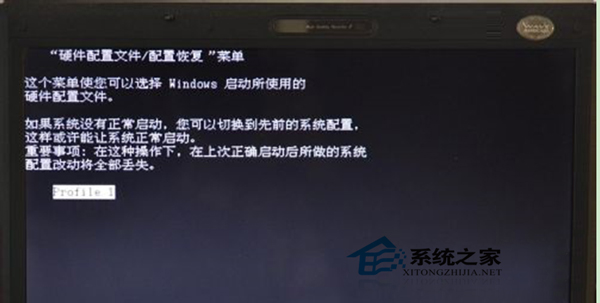
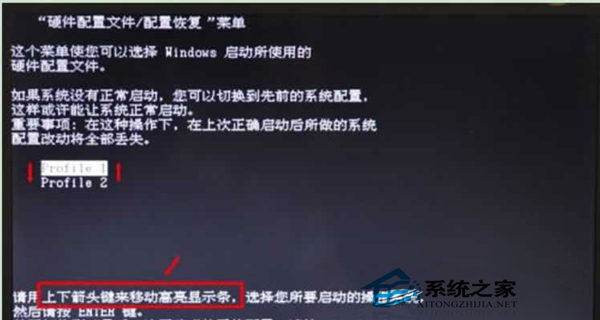
開機出現「硬體設定檔/組態復原」選單,通常因安裝/移除軟體、遊戲導致硬體設定檔變動。
解決步驟
- 若僅單一 Profile 1 → 按 Enter 或等待倒數即可進入系統。
- 若有多個 Profile(Profile 1、Profile 2...)→ 方向鍵選擇能進入系統的項目 → Enter 進入桌面。
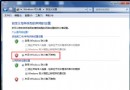
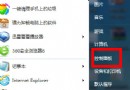
- 進入系統後:「控制台」→「系統」→「進階系統設定」→「硬體」索引標籤 → 「硬體設定檔」。
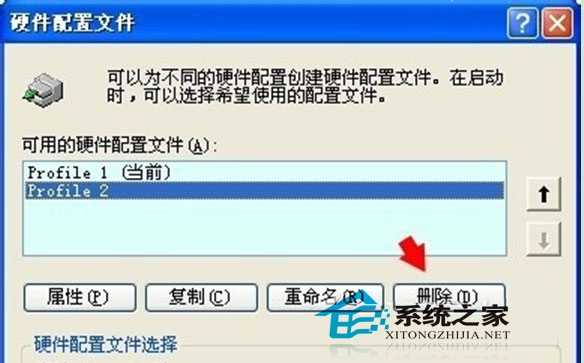
- 選取無法開機的設定檔(如 Profile 2)→ 「刪除」→ 「確定」。
建議使用 360 軟體管家等工具正規卸載程式,避免殘留導致設定檔異動。