Windows Update 更新失敗常見錯誤代碼(如 0x80070002、0x800F081F 等)多因更新元件損壞,需下載對應版本「系統更新準備工具」修復更新元件與系統檔案。
0x80070002、0x8007000D、0x800F081F、0x80073712、0x800736CC、0x800705B9、0x80070246、0x8007370D、0x8007370B、0x8007370A、0x80070057、0x800B0100、0x80092003、0x800B0101、0x8007371B、0x80070490 等。
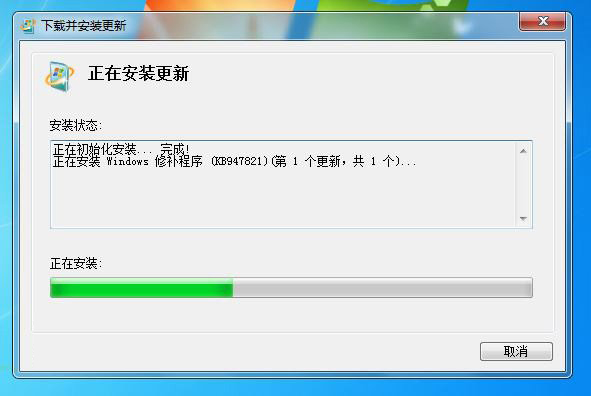
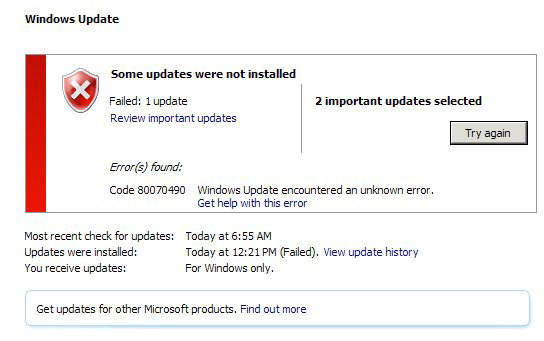
從微軟官網下載對應 Win7 版本(x86/x64)的「系統更新準備工具」(KB947821 等),執行安裝修復更新元件,完成後重新檢查更新即可正常安裝。
此工具專門修復 Windows Update 元件損壞導致的更新失敗問題。