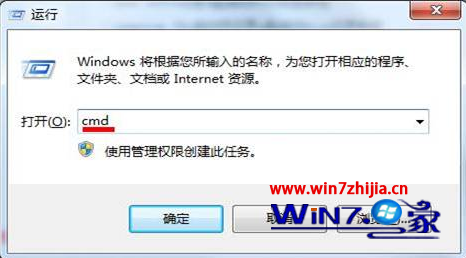
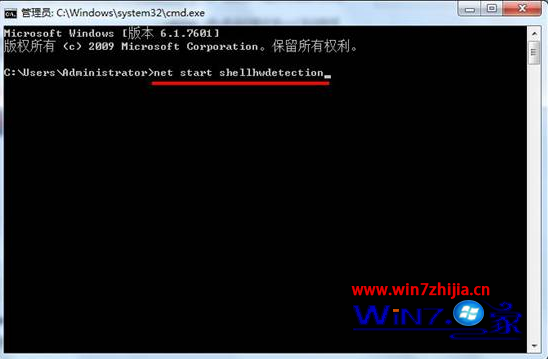
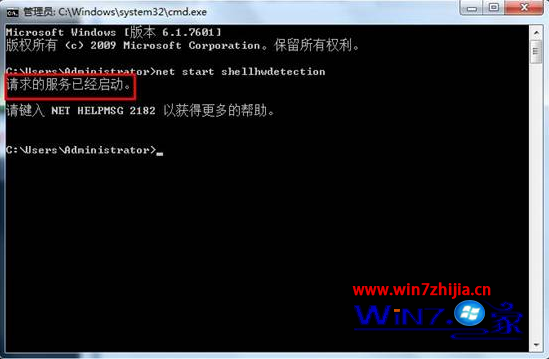
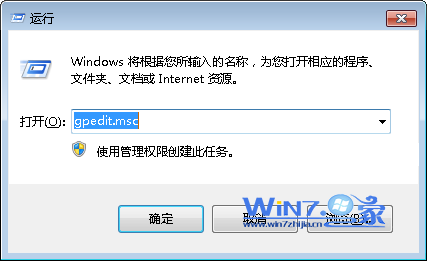
USB 隨身碟插入後無自動播放視窗,多因「Shell Hardware Detection」服務被停用。啟用方法:
cmd
net start shellhwdetection
若服務啟動類型為「停用」,可在 services.msc 中將其改為「自動」並啟動,以永久生效。
services.msc
Win7縮圖預覽功能失效修復:三大誤觸設定檢查+註冊表TaskbarNoThumbnail重置
Win7 簡體系統開啟繁體軟體顯示亂碼?安裝繁體語言包並設定非 Unicode 程式語言修復
Win7 重開機後網路印表機離線?同 ID 79492 憑證管理器儲存認證解決
Win7 系統右鍵選單新增「用記事本開啟」選項(精簡版)
Win7 快速存取「本地連線」屬性:建立桌面捷徑一鍵開啟網路設定
Win7 工作管理員凍結技巧:按住 Ctrl 鍵凍結即時資料方便記錄
Windows 7 致力驅動優化:解決 Vista 遺留兼容問題,目標零安裝失敗
Win7 開機黑屏風扇轉動?排查顯示器線材、顯卡、記憶體、主板電池、更換測試五步驟