操作入口
控制台 →「程式」→「開啟或關閉 Windows 功能」。
建議關閉項目 (視個人需求)
- 遊戲:撲克、紙牌、蜘蛛紙牌、找雷等內建遊戲。
- Windows Media Player:改用 PotPlayer/MPV 等第三方播放器者。
- Windows Media Center:不看電視/媒體中心者。
- Windows Gadget Platform:桌面小工具 (已停止支援,安全風險)。
- Tablet PC Components:非觸控裝置。
- Internet Explorer:全用 Chrome/Edge/Firefox 者 (謹慎,部分系統元件相依)。
- XPS Services / XPS Viewer:不處理 XPS 文件者。
- Print and Document Services:無印表機/無列印需求者 (含 Fax、Scan)。
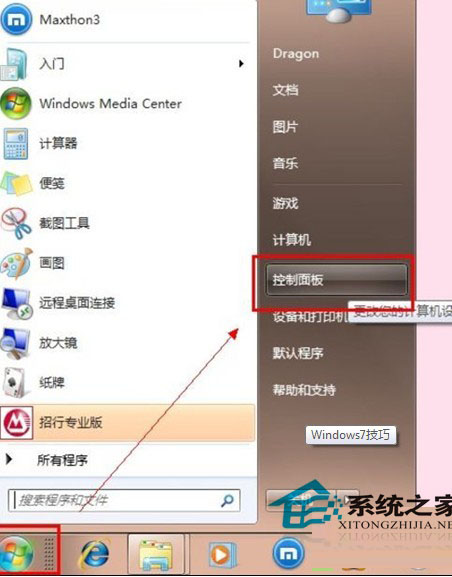
圖 1:取消勾選不需功能
效果與風險
- ✅ 釋放磁碟空間 (數百 MB)、減少背景服務、縮短開機時間。
- ⚠ 移除後相關檔案/登錄項刪除,需重新勾選並經 Windows Update 修復才能恢復,非頻繁切換功能。
- ⚠ 追求極致速度者適用,一般用戶保留預設即可,體感差異微小。