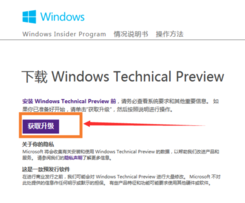
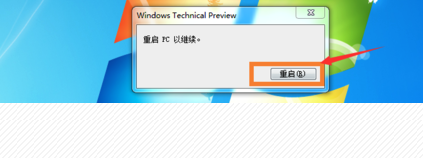
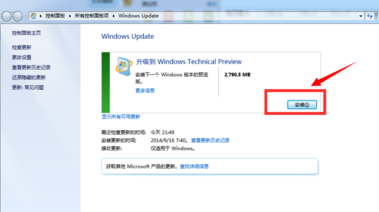
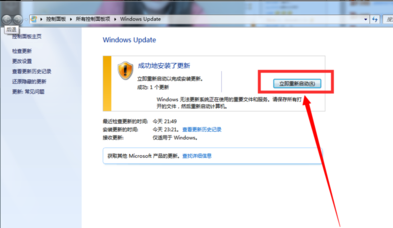
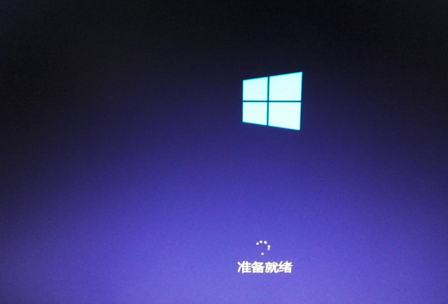
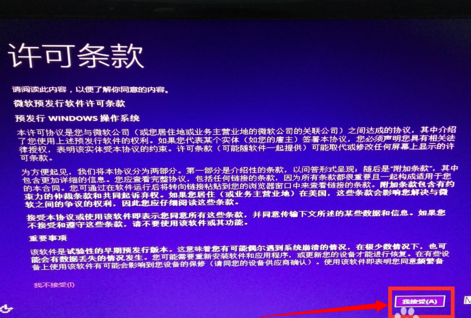
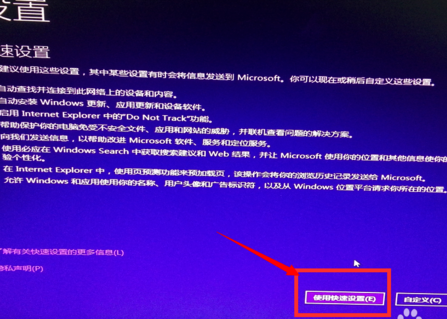
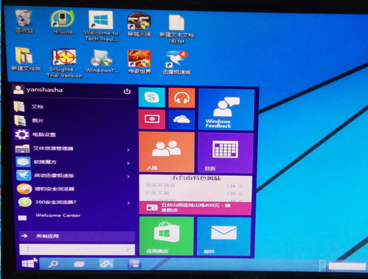
提醒:升級過程漫長且會多次重開機,請耐心等待,切勿中斷電源。
Win7 多時區時間顯示雙管齊下:桌面小工具時鐘 + 任務列附加時鐘
善用 Win7 自我修復功能:啟動修復、系統還原、系統映像、修復光碟四層防線
Win7筆記本觸控板關閉全攻略:快捷鍵、控制台與裝置管理員三法
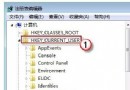
無光碟也能修復 Windows 系統檔案:修改注冊表指向硬碟安裝源
Win7 IIS 6 新增與修改應用程式集區完整操作指南
Win7 關閉開機歡迎畫面:群組原則啟用「登入時不顯示歡迎畫面」
Win7 WPS 文件加密兩種方法:另存為加密與選項設定密碼
Win7 64 位元旗艦版建立家庭群組提示「媒體串流未啟用」?啟動 WMP Network Sharing Service 服務解決