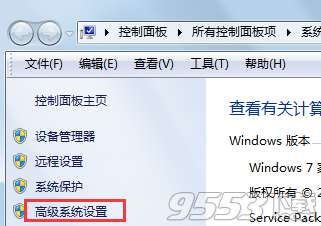
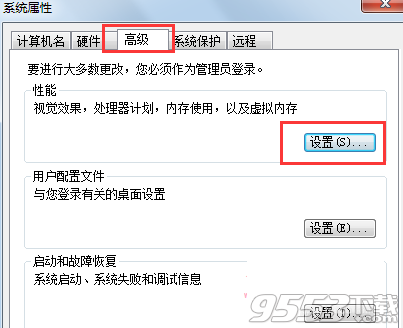
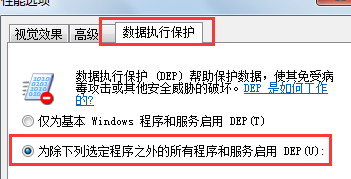
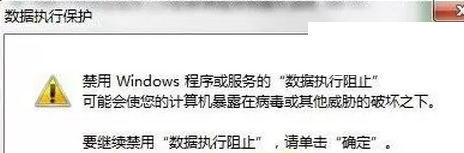
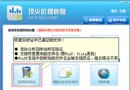
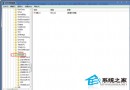
此錯誤常因資料執行防護 (DEP) 攔截 dllhost.exe 導致。將其加入 DEP 例外清單即可解決。
dllhost.exe
C:\Windows\System32\dllhost.exe
關閉 Windows 7 通訊功能自動降低音量,解決播放音樂被打斷問題
Windows 7 版本選擇指南:入門/家庭/專業/企業/旗艦,哪款適合你?
Windows 7 與 XP 之間共享印表機設定教學
Win7 內建記事本隱藏大招:批次改檔案日期、改副檔名、比較差異、快速編碼
Windows 7 自訂開機/關機音樂完整教學:WAV 格式轉換與聲音設定
Win7「死亡黑屏」怎麼辦?微軟更新後黑屏無桌面完整解決方案
Win7 DNS 伺服器故障怎麼辦?手動設定 Google DNS 8.8.8.8 秒解決網頁打不開
在 Vista/Windows 7 進行 IPX 協定網路對戰:帝國時代 2、浩方、QQ 對戰平台完整教學