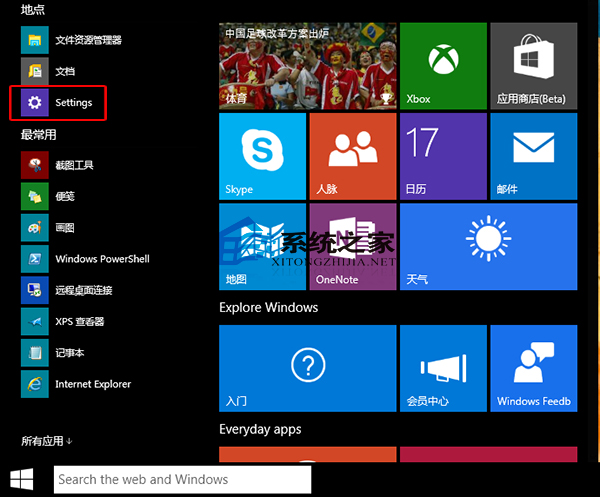
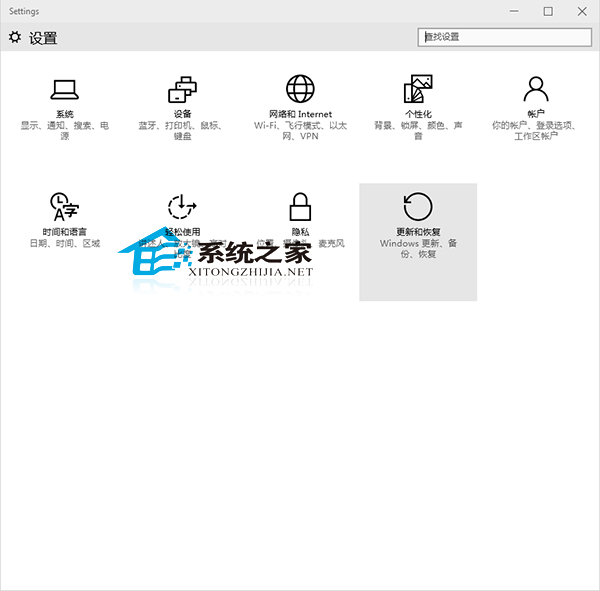
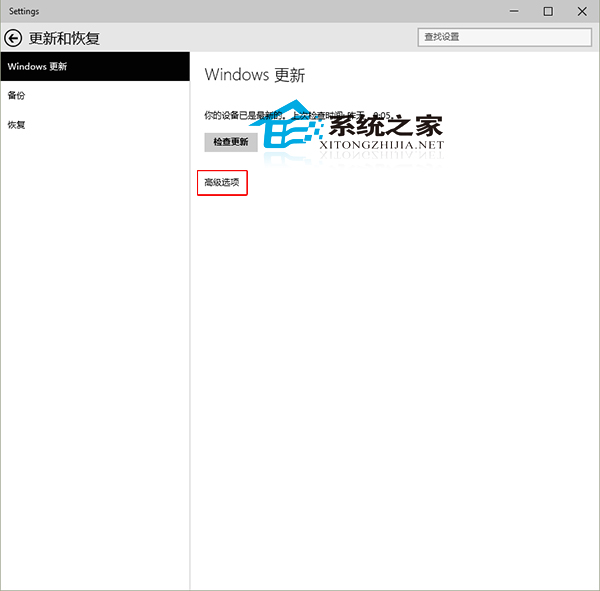
Windows 10 背景自動下載安裝更新,若想確認具體安裝了哪些更新 (品質更新、功能更新、驅動程式更新、定義更新),可在設定介面查看完整歷程。
歷程記錄分為「品質更新」、「驅動程式更新」、「定義更新」、「其他更新」,每項可展開查看 KB 編號、安裝日期、狀態 (成功/失敗/待重新開機)。點擊個別更新可連結 Microsoft Update Catalog 閱讀詳細說明。若更新導致問題,可在這裡「解除安裝更新」 (部份更新不支援移除)。
Win 10 啟用「隱藏使用者安裝」:群組原則禁止使用者安裝並設為隱藏模式
Win10 如何查看磁碟空間使用情況?設定 > 系統 > 儲存體 一目了然
Win10 開機黑屏怎麼辦?安全模式 + 乾淨啟動完整修復指南
Windows 10 設定系統時間顯示秒數:註冊表修改法與軟媒時間替代方案
Win10 執行指令在哪裡?Win+R 快捷鍵與搜尋法兩大開啟技巧
Win10 System進程佔用高內存?實為壓縮存儲技術優化響應
Windows 10 快速查看 32/64 位元系統類型:Win+Pause/Break 一鍵直達
Windows 10 在檔案總管導覽窗格顯示「程式庫」的設定