沒有手機也能在電腦讀取 QR Code。Windows 10 可透過線上辨識網站或安裝離線軟體 Psytec QR Code Editor (含漢化綠色版) 來掃描圖片或攝影鏡頭擷取的二維碼。
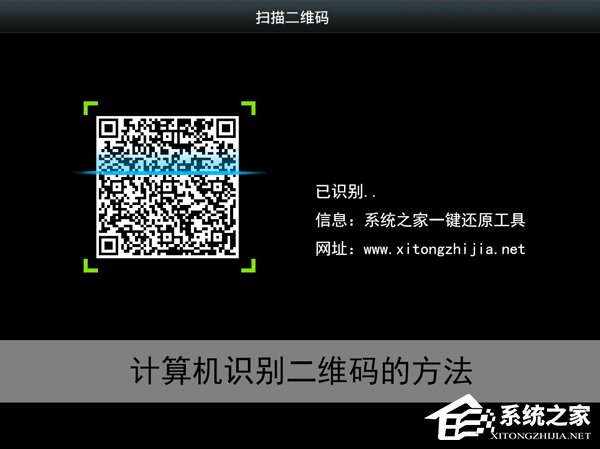
方法一:線上辨識 (需網路)
- 截圖或儲存 QR Code 圖片。
- 搜尋「QR Code 掃描線上」進入辨識網站 (如 qrcode.scanner 等)。
- 上傳圖片或使用網路攝影鏡頭掃描,取得連結或文字內容。


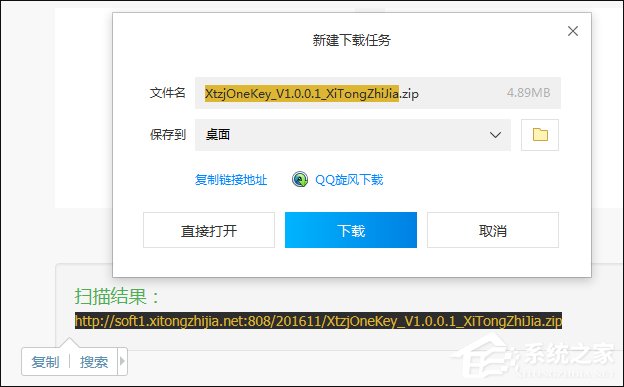
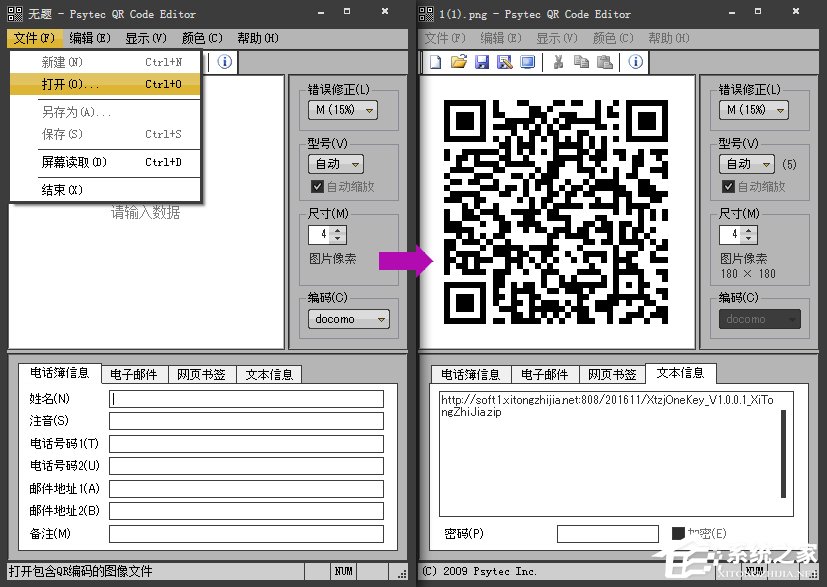
方法二:離線軟體 Psytec QR Code Editor
- 下載綠色免安裝版,解壓縮後執行。
- 點選「檔案」→「開啟」載入 QR Code 圖片,即可辨識內容,無需上傳網路。

若有條碼掃描槍等外設,亦可直接插入電腦使用。