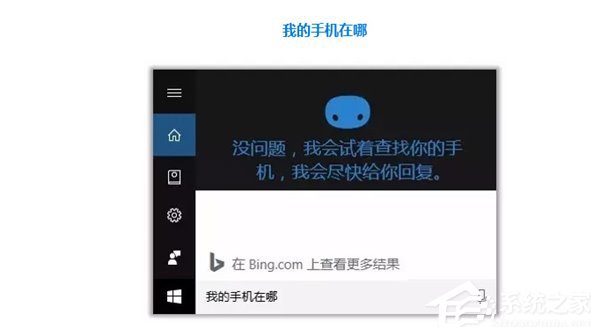
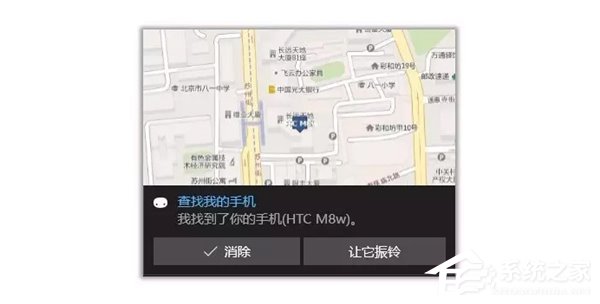
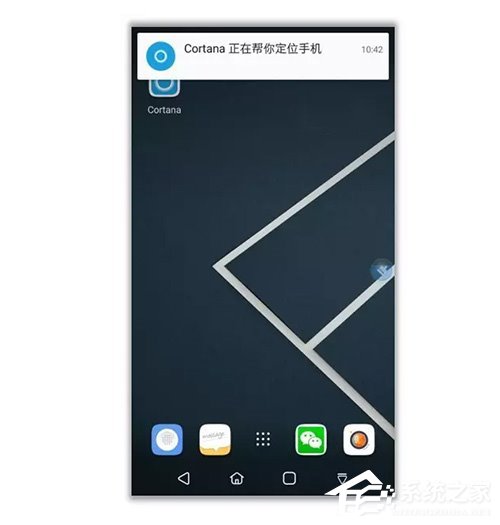
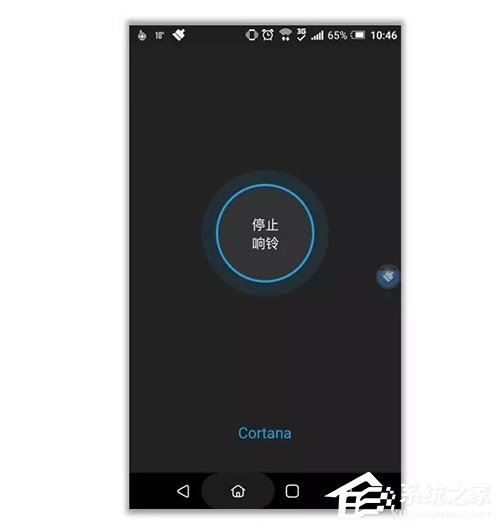
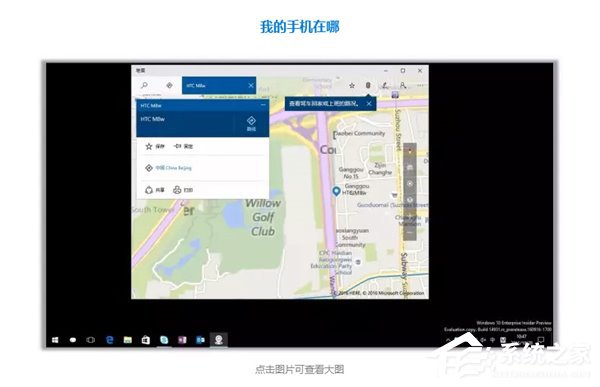
Windows 10 內建小娜 (Cortana) 可協助尋找遺失的手機 (需登入同一 Microsoft 帳號、手機聯網且開啟定位)。操作極簡單:對著電腦說「我的手機在哪」或「尋找我的手機」,小娜將顯示手機地圖位置,並可觸發響鈴 (即使靜音模式)。
此功能對於辦公室、家中找不到手機時極為實用。
Win10 IE 瀏覽器禁止顯示圖片節省流量完整設定
Win10 桌面圖示不見了?一行指令快速呼叫「桌面圖示設定」找回
Win10 滑鼠右鍵反應慢怎麼辦?
Win10 家庭版升級專業版(通用金鑰 VK7JG-NPHTM-C97JM-9MPGT-3V66T)
Win10 使用 DISM 指令查詢可升級版本:一鍵顯示目標版本資訊
Win10 桌面底部空出一大排?Ctrl+滾輪縮小圖示 + 勾選「自動排列」秒修復
Win10 移除 WiFi 分享精靈後無法上網?刪除虛擬網卡驅動 TX WIFI Driver 即可恢復
Win10 解除安裝應用程式商店應用程式:開始選單右鍵或設定中移除