Windows XP Windows 7 Windows 2003 Windows Vista Windows 綜合教學 Linux 系統教學
Windows 10 Windows 8 Windows 2008 Windows NT Windows Server 電腦軟體教學

Win10 Edge 瀏覽器關閉「開發人員設定」頁面:登錄檔封鎖 about:flags

編輯:Win10 系統應用技巧

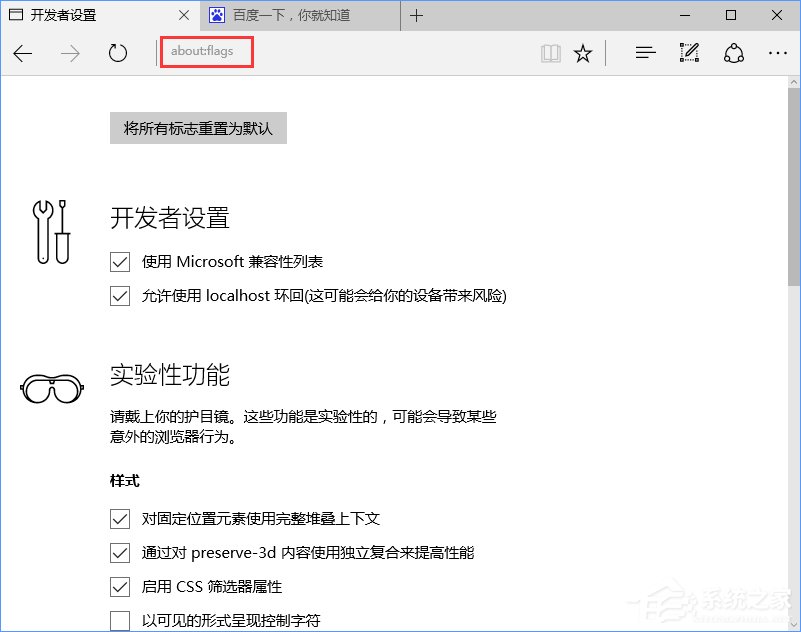
Edge 瀏覽器的 about:flags 開發人員設定頁面包含實驗性功能,誤改可能導致瀏覽器不穩。企業或家長可透過群組原則或登錄檔封鎖存取。以下為登錄檔法。
封鎖步驟

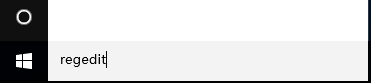
  1. 開啟登錄編輯器 (Win+R → regedit)。
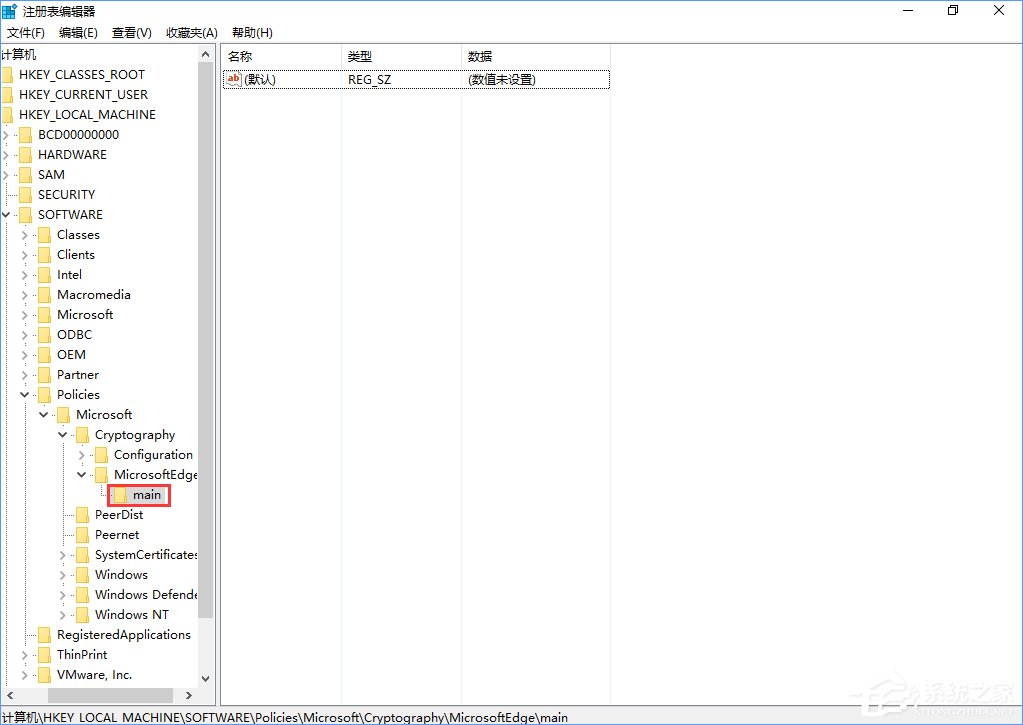
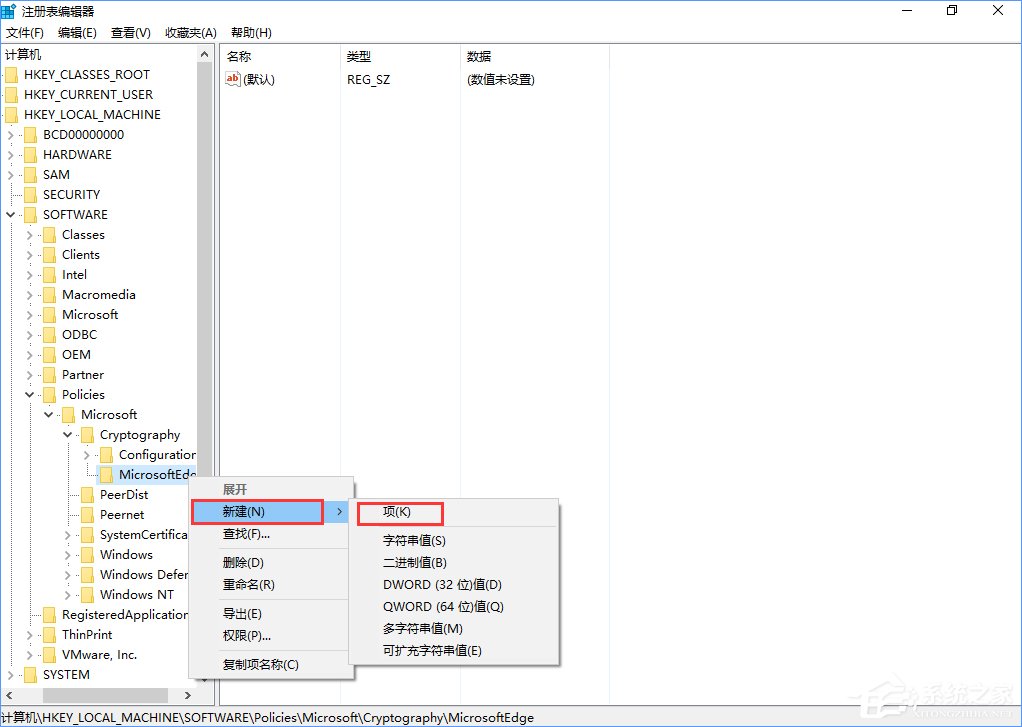
  2. 瀏覽至 HKEY_LOCAL_MACHINE\SOFTWARE\Policies\Microsoft\MicrosoftEdge。
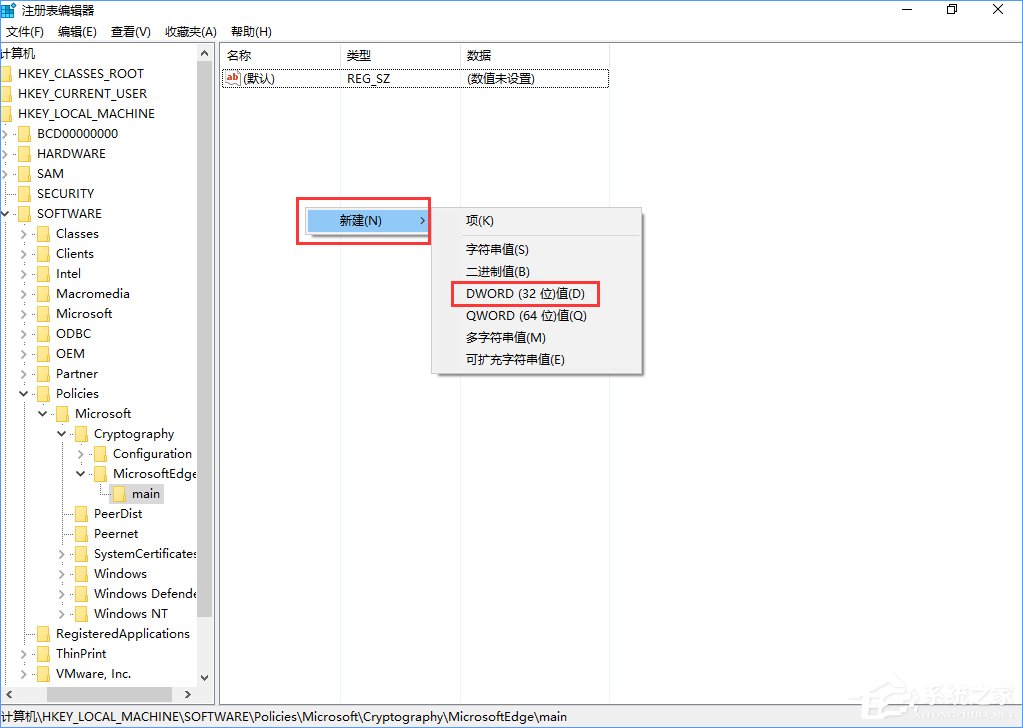
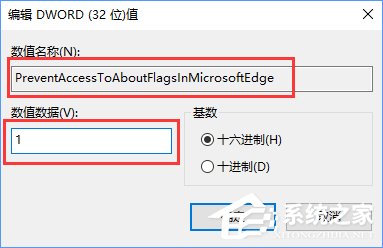
  3. 新增機碼 Main,其下新增 DWORD (32 位元) 值 PreventAccessToAboutFlagsInMicrosoftEdge,數值設為 1。
  4. 重新啟動 Edge 瀏覽器。

解封方法:將數值改回 0 或刪除 Main 機碼。Chrome 同理可透過 chrome://flags 管理實驗性功能。

Copyright © Windows教程網 All Rights Reserved