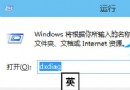
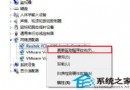
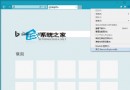
舊軟體在 Win 10 執行提出版本不符/相容性問題:
可能彈出 UAC 提示點擊確定即可。相容模式讓舊軟體在新系統順利運行。
Win10 快速上傳檔案至 OneDrive:拖曳至 OneDrive 資料夾自動同步
Win10 「重置這台電腦」完整教學:保留檔案重裝系統,比重灌更快
Windows 10 重設本機帳號密碼技巧 (需已登入 Microsoft 帳號)
Win10 輸入法設定在哪裡?圖解快速找到新增/移除鍵盤入口
Windows 10 快速顯示滑鼠游標位置的小技巧(Ctrl 鍵定位)
Win 10 移除 USB 隨身碟寫入保護:登錄表 WriteProtect=0 + diskpart 清除唯讀屬性
Win10 移除多餘字體釋放資源:控制台字體管理一鍵刪除
Win10 10547 版本頻繁藍畫面重開機?關閉 Windows Defender 開機掃描與驅動簽名強制