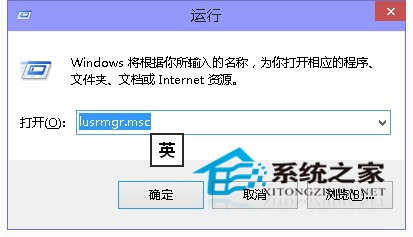
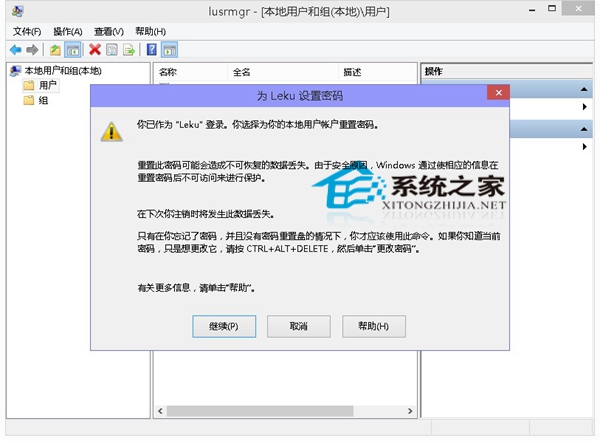
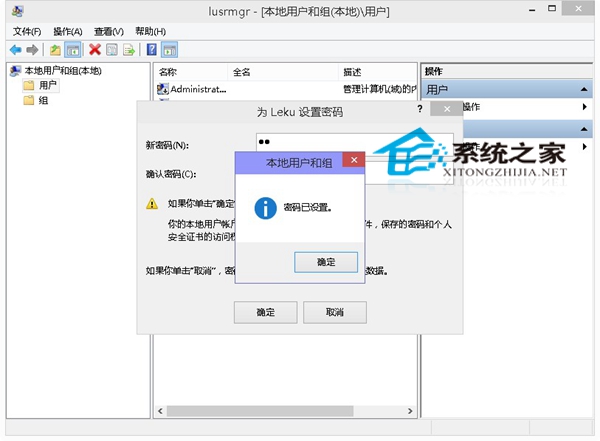
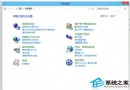
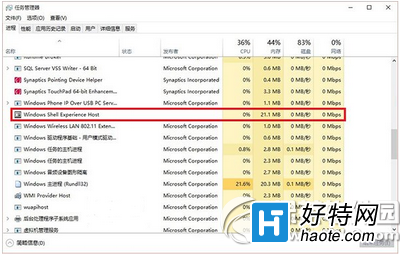
若忘記本機帳號密碼,但已以 Microsoft 帳號登入系統,可透過「本機使用者和群組」重設密碼。
lusrmgr.msc
前提是必須已以 Microsoft 帳號 (具管理員權限) 登入系統方可操作。
Win10 更換帳戶頭像教學:三步驟自訂專屬大頭貼
Win10 瀏覽器下載出現亂碼怎麼辦?
Win10 週年更新版釋出一天 四大嚴重 Bug 盤點
中國 Win10 用戶數 2 天超越 Mac OS X:StatCounter 數據揭示升級狂潮、XP/Win7 仍為主力
Win10 虛擬機 (VMware) 無法上網?橋接模式 + 靜態 IP 手動配置解決
Windows 10 鏡像安裝失敗 0x80080005-0x90016?msiexec 修復或乾淨啟動
Windows 10 無法執行《炫舞時代》?兼容性問題解決方案彙總
Win10 自訂關機音效:替換預設關機聲音完整步驟