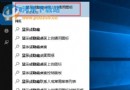
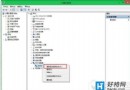
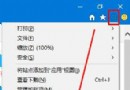
Win10 瀏覽器下載檔案時頁面出現亂碼,可透過群組原則重設使用者代理字串解決。
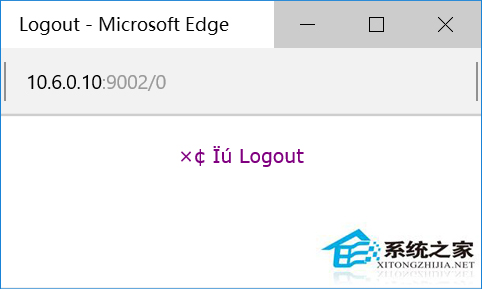
gpedit.msc 開啟群組原則編輯器。MSIE 9.0。將字串設為 MSIE 9.0 即可解決下載亂碼問題。
Win10 TH2 升級錯誤 0xC1900101 解決法:卸載 N 卡驅動後再升級
Windows 10 預覽版已知 Bug 彙總與規避指南(歷史參考)
Windows 10 禁止「敘述者」開機自動啟動:輕鬆使用設定一鍵關閉
Win10 Chrome 首頁被 2345 篡改無法修改?Windows 清理助手修復 IE 設定同步修復 Chrome
Win10 磁碟使用率 100% 怎麼辦?六大優化方向:家庭群組、虛擬記憶體、IPv6、Defender、Search、換 SSD
Windows 10 如何啟用「休眠」功能?電源選項隱藏選單完整教學
微軟 Win10 整合支付功能:Windows Wallet 重啟、Windows Hello 生物辨識授權、NFC 支援