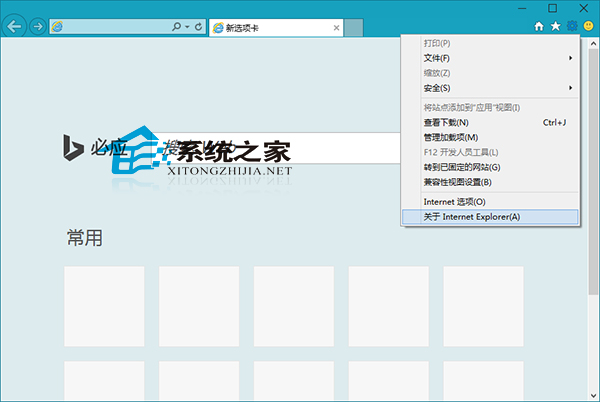
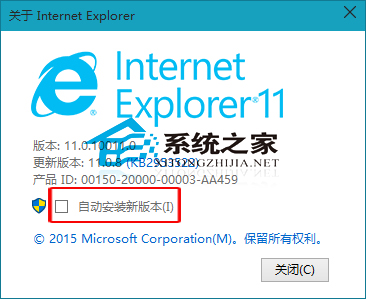
IE11 現在 Win7 也能裝,但微軟預設自動升級,新版不好用怎麼辦?如何禁止自動更新?
非管理員帳號操作會彈出 UAC 提示,點「是」即可。
Win10 10074 將 IE 瀏覽器固定至工作列完整教學
暗黑破壞神 3 升級 Win10 後黑畫面/最小化無法切入?官方藍貼解決方案:更新顯卡驅動、開啟垂直同步、重裝遊戲
Win10 行事曆 App 如何顯示農曆(陰曆)?勾選「中國農曆」即可
Win10 秋季創意者更新 16226 版新功能搶先看
Win10 搜尋設定找不到內容?重建 Indexed 資料夾索引修復設定搜尋
Windows 10 下 Office 2013 文件無法開啟?修復安裝或命令列授權修復雙方案
Win10 設定固定 IP 與 DNS:控制台網路共用中心配置介面卡屬性
Win10 提示「找不到 DLL 入口點 DllRegisterServer」?下載對應 DLL 並手動註冊修復