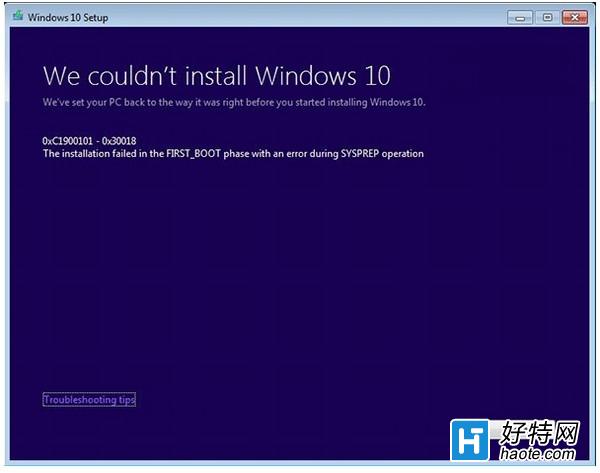
Win7/8.1 透過 Windows Update 升級 Win10 時遭遇錯誤代碼 C1900101-30018,通常因更新元件損毀、快取衝突導致。國外論壇流傳的命令列重設流程經大量使用者驗證有效。
net stop wuauserv
net stop cryptSvc
net stop bits
net stop msiserver

ren C:\Windows\SoftwareDistribution SoftwareDistribution.old
ren C:\Windows\System32\catroot2 Catroot2.old

net start wuauserv
net start cryptSvc
net start bits
net start msiserver

exit
ren 命令會重新命名快取資料夾,強制 Windows Update 重建乾淨快取。若仍失敗:建議改用官方 Media Creation Tool 建立安裝媒體(USB/DVD),以「升級這台電腦」模式離線升級,繞過 Windows Update 通道,成功率最高。
Win 10 命令提示字元在哪?四種快速開啟 CMD 方法(執行、右鍵開始、搜尋、記事本 .bat)
Win10 檔案總管開啟預設為「首頁」?將「這台電腦」拖曳釘選到工作列資料夾實現快速存取
Win10 升級後天翼校園客戶端無法撥號?改用系統內建 PPPoE 連線解決
Win10 操作中心提示「按一下這裡輸入您最新的認證」怎麼辦?
Win10 安裝顯示未啟動且官方 Key 無效:區分 Technical Preview 版本輸入正確金鑰
Win10 Mobile 內建 Office 提示需訂閱 Office 365?點擊「取得 Office 365」→「轉到」→ 關閉網頁→ 重新整理即可免費使用