Windows XP Windows 7 Windows 2003 Windows Vista Windows 綜合教學 Linux 系統教學
Windows 10 Windows 8 Windows 2008 Windows NT Windows Server 電腦軟體教學

Win10 安裝顯示未啟動且官方 Key 無效:區分 Technical Preview 版本輸入正確金鑰

編輯:Win10 系統應用技巧

安裝 Win10 後未啟動、官方 Key 無效,原因:兩個預覽版版本 Key 不通用:
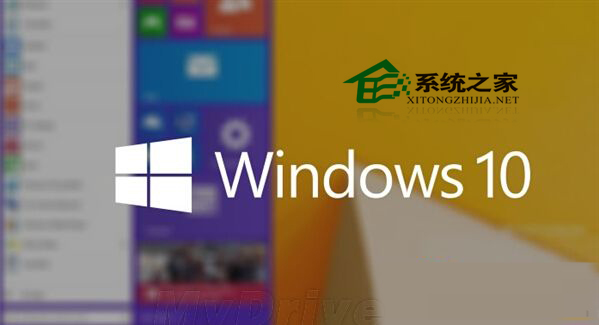
未啟動提示

  • Windows Technical Preview:適用官方公開 Key NKJFK-GPHP7-G8C3J-P6JXR-HQRJR。
  • Windows Technical Preview for Consumer:需在控制台>「為 Windows Technical Preview for Consumer 新增功能」>「我已購買產品金鑰」輸入上述 Key 驗證。

確認安裝版本並依對應方式輸入 Key 即可啟動。

Copyright © Windows教程網 All Rights Reserved