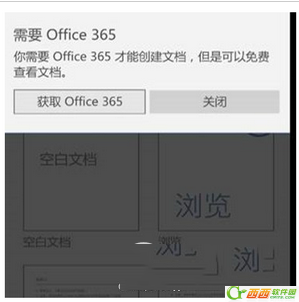
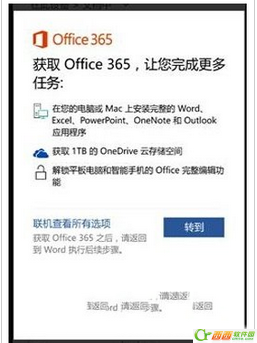
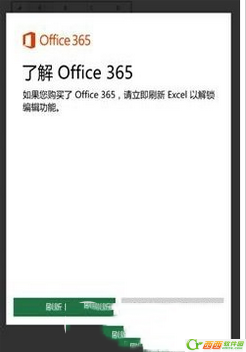
Win10 Mobile 升級後,開啟內建 Office Mobile(Word/Excel/PowerPoint)彈出「需要訂閱 Office 365」提示,實為授權驗證流程卡住。官方臨時繞過方法:
說明:Win10 Mobile 裝置 (螢幕 < 10.1 吋) 內建 Office Mobile 為永久免費授權,無需訂閱 Office 365。此問題為早期版本授權驗證 Bug,後續累積更新已修正。若持續出現,請檢查「設定」→「更新與安全性」→「Windows Update」安裝最新更新。
Win10 寬帶連線錯誤 676 完整排解指南
Win10 查看藍畫面記憶體傾印檔案位置與分析方法
Win10 解除「發布者被阻止」限制,讓軟體順利安裝的實用技巧
Win10 帳號「登入選項」打不開?啟用 Credential Manager 與 Biometric 服務
Win10 開始選單動態磚塊開關:右鍵磚塊「關閉即時磚塊」
Win10 移除內建微軟拼音輸入法兩大法:語言設定新增英文鍵盤降序後刪除、輸入法管理器取消勾選
Windows 10 安全軟體相容性實測:國產殺毒全過關、國外多數失效
Windows 10 切換使用者帳號快速教學 (開始選單一鍵切換)