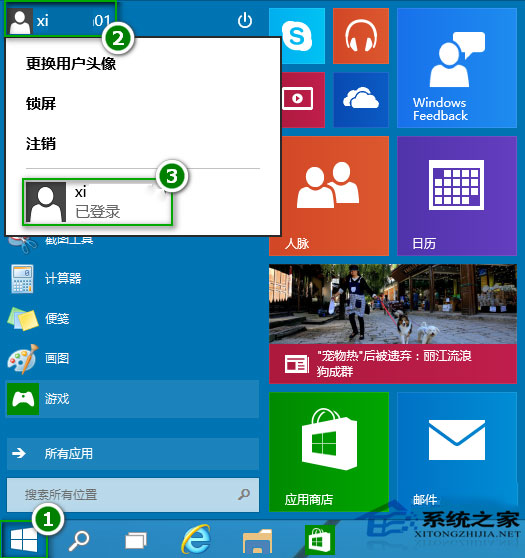
Windows 10 多帳號環境下切換使用者,保持各自工作階段不關閉應用程式。
切換使用者不登出,適合共用電腦家庭/辦公環境。登出請選擇「登出」選項。
Win10 開啟「上帝模式」:建立特殊資料夾存取所有控制台設定項目
Win10 照片應用程式錯誤「無效的登錄值」?重新註冊應用套件修復
Win10 10122 Edge 瀏覽器崩潰修復:AMD 顯卡驅動更新已釋出,請檢查 Windows Update
Windows 10 新版計算機用法介紹(Modern 介面、多模式、單位換算)
Windows 10 在檔案總管導覽窗格顯示「程式庫」的設定
VirtualBox 安裝 Windows 10 出現花屏?關閉 3D/2D 加速即可解決
Win10 插入耳機彈出 SmartAudio 視窗怎麼關閉?停用 Conexant 服務
Win10 筆電續航短?關閉後台應用大幅提升電池壽命