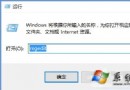
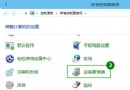
Windows 10 控制台點擊無反應、無法開啟,主因是 .cpl 副檔名關聯損壞或系統控制台模組 (.cpl 檔案) 本身受損。本文提供完整診斷與修復流程:檢查 .cpl 檔案可執行性、使用 SFC 修復系統檔案、匯入登錄檔修復副檔名關聯。
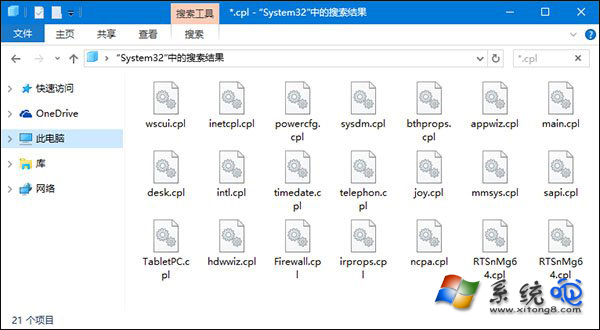
%SystemRoot%\System32 → Enter。*.cpl,逐一雙擊測試。若第三方 .cpl 無法開啟 → 刪除;若系統內建 .cpl 無法開啟 → 進行步驟 2。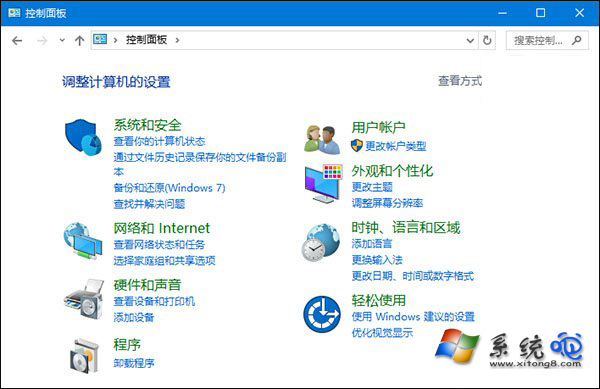
sfc /scannow,等待掃描修復完成(可能需數分鐘)。Windows Registry Editor Version 5.00
[HKEY_CLASSES_ROOT\.cpl]
@="cplfile"
"Generic"="system"
[HKEY_CLASSES_ROOT\.cpl\PersistentHandler]
@="{098f2470-bae0-11cd-b579-08002b30bfeb}"
[HKEY_CLASSES_ROOT\cplfile]
@="Control Panel extension"
[HKEY_CLASSES_ROOT\cplfile\shell]
[HKEY_CLASSES_ROOT\cplfile\shell\cplopen]
@="Open with Control Panel"
[HKEY_CLASSES_ROOT\cplfile\shell\cplopen\command]
@="rundll32.exe shell32.dll,Control_RunDLL %1,%*"
[HKEY_CLASSES_ROOT\cplfile\shell\runas]
@="Run as administrator"
[HKEY_CLASSES_ROOT\cplfile\shell\runas\command]
@="rundll32.exe shell32.dll,Control_RunDLLAsUser %1,%*"cpl_fix.reg(編碼 ANSI/UTF-8,副檔名 .reg)。此方法同樣適用於 Windows 7 / 8.1 控制台無法開啟問題。微軟漸進式將控制台功能遷移至「設定」App,部分控制台項目可能不穩定,修復關聯通常能解決。