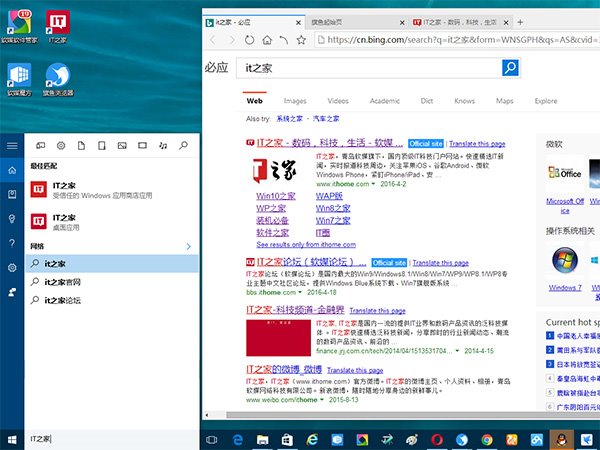
Win10 Cortana 搜尋結果強制在 Edge 開啟,微軟稱提供最佳體驗,但許多用戶習慣 Chrome/Firefox 等。國外開發者釋出 Cortana Search 工具,可將搜尋結果導向系統預設瀏覽器。
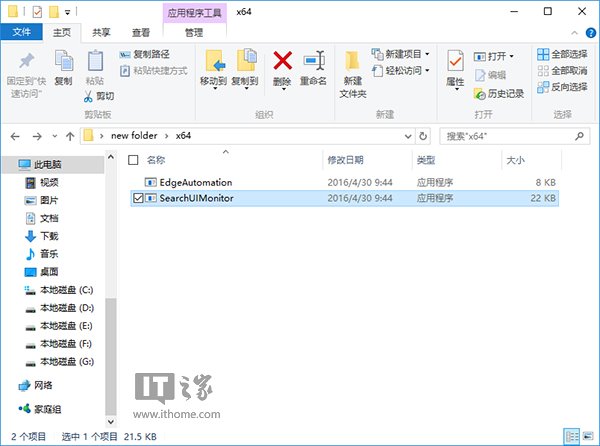
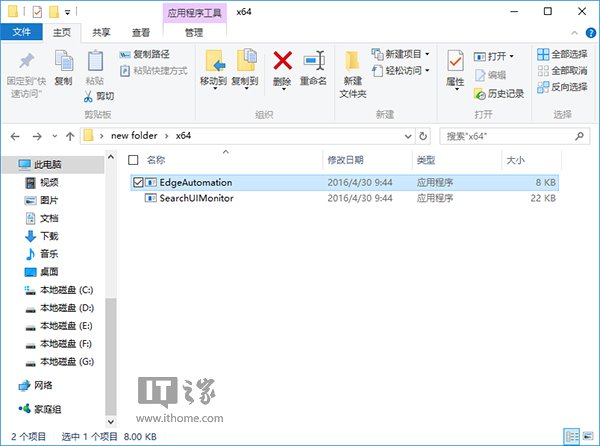
x64
x86
SearchUIMonitor
EdgeAutomation
搜尋啟動時仍會短暫開啟 Edge 再切換至預設瀏覽器並自動關閉 Edge,非完美無縫切換,但可滿足「不想用 Edge」的需求。
Win10 控制台找回舊版「Windows Update」按鈕:匯入註冊表檔案一鍵恢復
Win10 如何在右鍵選單新增 EFS 加密選項?一鍵加密/解密檔案資料夾
Win10 磁碟配額在哪裡?功能與用途說明
Win10 正式版如何開啟毛玻璃/亞克力透明效果?Aero Glass 10240 工具一鍵實現窗口透明、顏色、光照自訂
Windows 10 安裝提示「檔案遺失或損壞」解決方案:避免使用迅雷下載 ISO
Windows 10 專屬頭像製作教學:線上產生器快速生成
Win10 新增網路印表機完整教學:憑據管理器儲存密碼 + Local Port 連接 + 驅動安裝
Windows 10 正式版最終建置編號預測:10400 最符合歷史規律