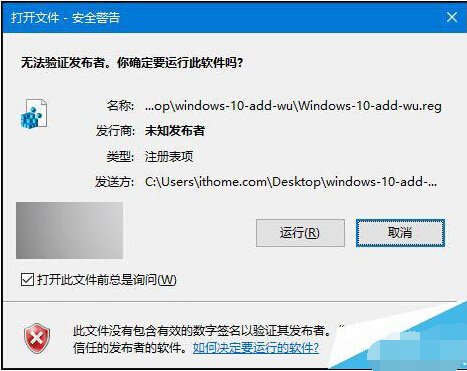
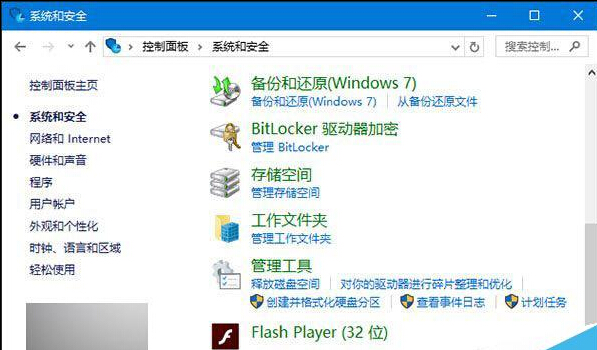
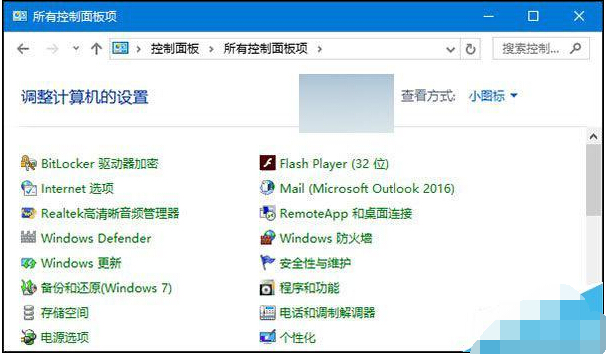
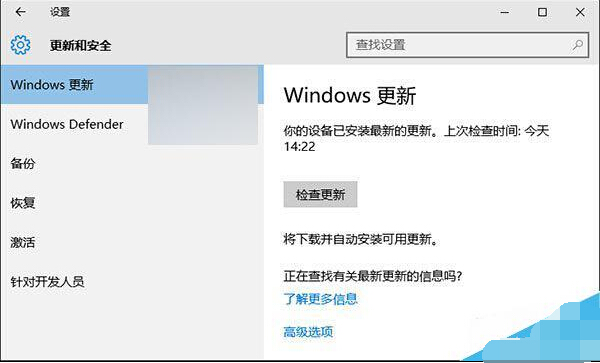
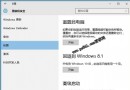
Win10 控制台移除了「Windows Update」項目,習慣舊版介面的使用者可匯入註冊表檔案恢復按鈕,點擊後導向新版設定頁面。
Windows-10-add-wu.reg
Windows-10-remove-wu.reg
此按鈕實為捷徑指向新版「設定 → 更新與安全性」,方便舊習慣使用者過渡。
Win10 Build 10162 更新內容詳解:新提示功能、大量 Bug 修正
Win10 快速切換至桌面的兩大絕招:任務列按鈕與 Win+D 快捷鍵
Win10 顯示副檔名兩大法:檔案總管與資料夾選項快速設定
Win7/Win8/Win8.1 升級 Win10 完整差異指南:授權繼承、預覽版陷阱、免費升級截止
C 槽容量過小無法升級 Win10?官方支援外接 USB/硬碟解決
筆記本 Win10 卡頓?移除預裝 McAfee 即可改善
Win10 無法修改系統時間?透過群組原則授權「更改系統時間」權限
Win10 更新驅動程式出現異常?回滾驅動版本快速恢復裝置正常運作