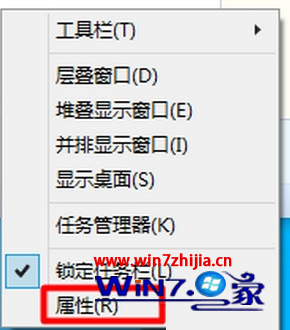
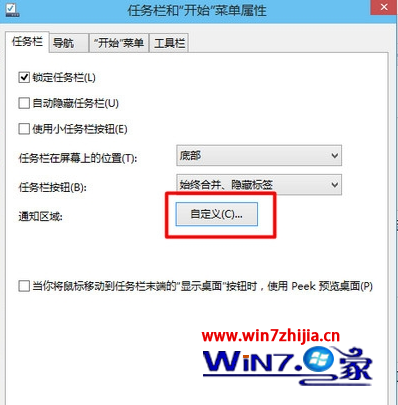
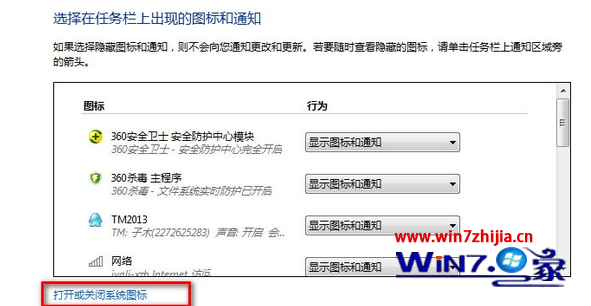
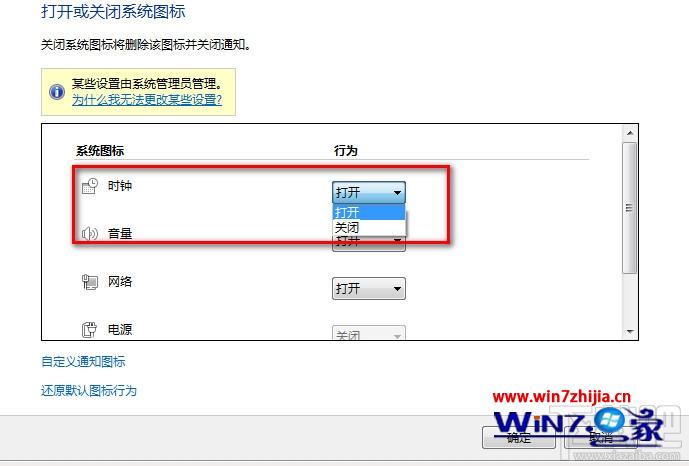
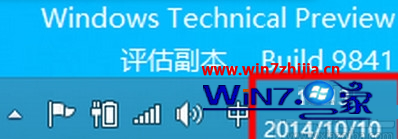
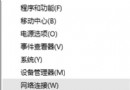
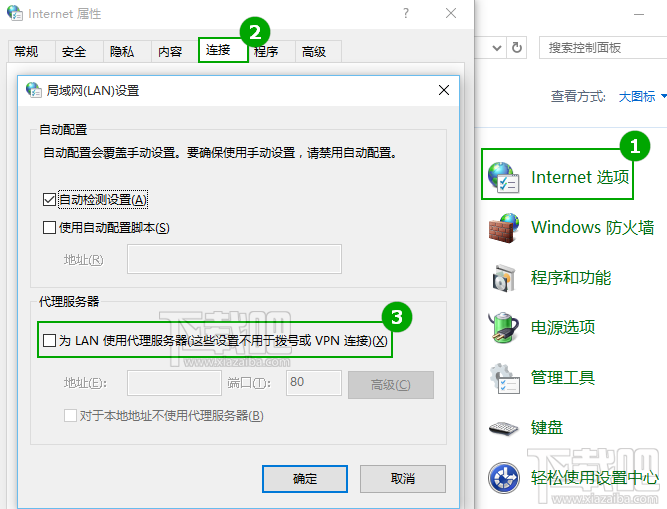
時鐘圖示消失通常是系統圖示被關閉,恢復步驟:
時鐘即刻重新出現在通知區域。
升級 Win10 後事件檢視器不斷自動彈出怎麼辦?
Win10 一鍵隱藏桌面圖示?右鍵選單秒切換顯示/隱藏
Win10 預覽版過期會怎樣?強制重啟→無法開機,速升級最新版
Win 10 應用程式連接器是什麼?桌面程式轉 UWP 工具,非必要可移除
Windows 10 修改 Edge 瀏覽器啟動背景色:登錄表教學
Win10 預覽版備份與還原登錄表完整教學:防止誤操作的最佳保險
Windows 10 開啟內建防火牆:網路連線內容→Windows 防火牆→啟用完整圖文步驟
Windows 10 離線安裝 .NET Framework 3.5:使用 DISM + 安裝映像檔,無需聯網下載