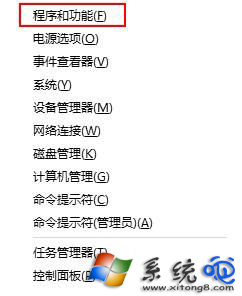
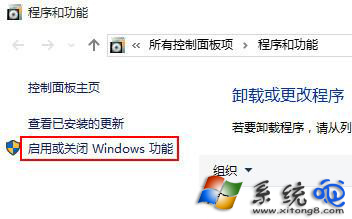
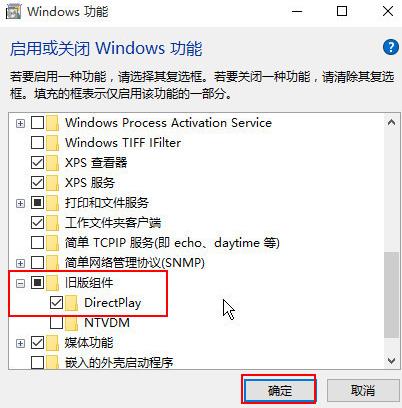
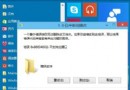
執行舊版遊戲提示缺少 d3dx9_26.dll,實為 DirectX 9 舊版元件 DirectPlay 未啟用。透過「開啟或關閉 Windows 功能」勾選即可,無需下載 DLL。
d3dx9_26.dll
補充:DirectPlay 為 DirectX 9 早期網路遊戲通訊元件,現代遊戲已改用新架構,啟用後不影響系統效能與安全性。
Win10 網路清單改回 Win8.1 風格?登錄表修改 ReplaceVan 讓寬帶連線回到超級按鈕
Win10 適配器未連線導致無法上網?網路連線右鍵 → 診斷自動修復
Win10 如何將 IE 瀏覽器圖示放到桌面 (登錄法)
Win10 如何查看 Windows 體驗指數?隱藏效能評分功能啟用法
Win10 筆電不顯示電池圖示?兩大原因與解決方案
Win10 技巧:如何開啟隱藏的「鎖定畫面顯示關閉逾時」設定?讓鎖屏壁紙多留一會兒
Win10 遠程桌面連接設置自定義分辨率教程
Win10 更新失敗 0x80246017?註冊表修改 SelfHost 參數解決