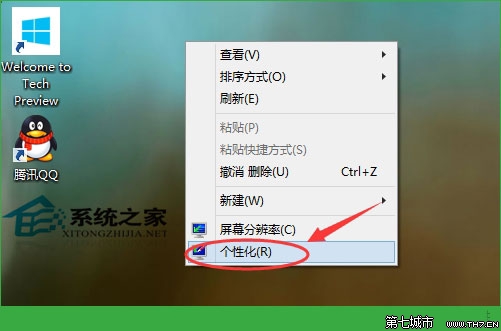
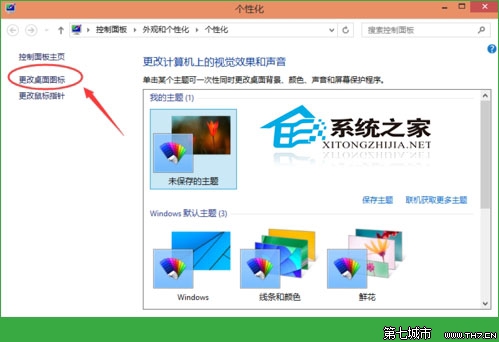
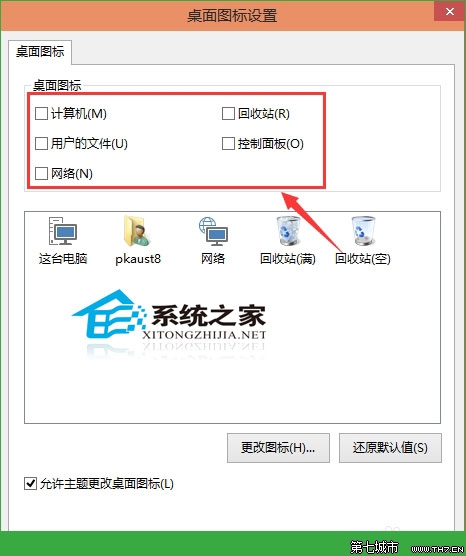
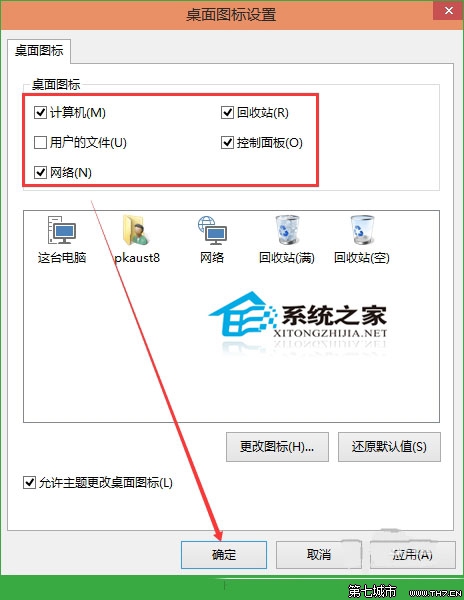
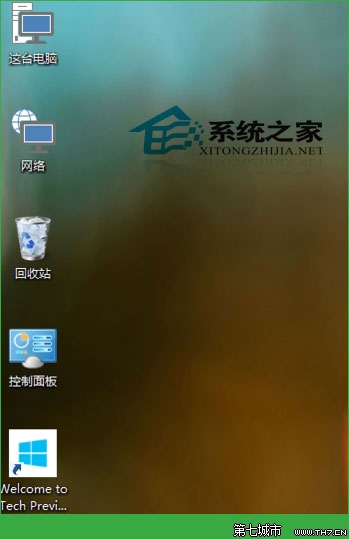
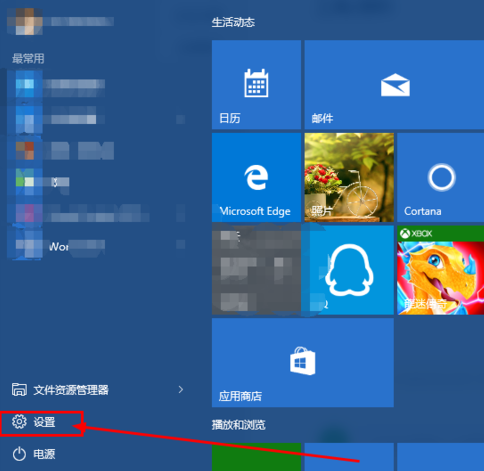
自訂桌面圖示可保持桌面簡潔實用,亦可另行加入軟體捷徑。
Win10 註冊 OCX 控件失敗 0x80040200?管理員身分執行 regsvr32 解決
Win10 右鍵選單新增「關閉 Windows 10」選項:VBS 腳本 + 登錄檔實現一鍵關機
Win10 透過登錄表找回傳統控制台介面教學
Windows 10 退出家庭群組教學
Win10 不登出即可切換開始選單/開始螢幕:登錄表修改 EnableStartMenu 值 0/1 切換 + 重啟 explorer
Win10 查詢與啟用 SSD TRIM 指令:fsutil behavior query/set disabledeletenotify
Win10 修改視窗標題列顏色,打造專屬桌面風格
Windows 10 取消開機密碼/設定自動登入教學:保留安全性的便利之道