Windows XP Windows 7 Windows 2003 Windows Vista Windows 綜合教學 Linux 系統教學
Windows 10 Windows 8 Windows 2008 Windows NT Windows Server 電腦軟體教學

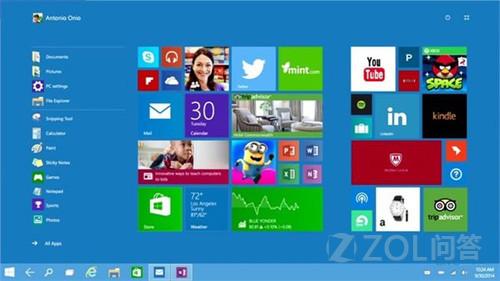
Windows 10 Continuum 模式啟用方法與功能介紹

編輯:Windows 10 系統介紹

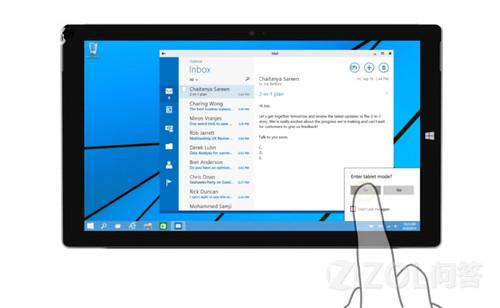
Continuum 模式專為二合一裝置設計,可自動在平板與筆電模式間切換。啟用需修改登錄:

  1. Win+R → regedit 開啟登錄編輯器。
  2. 定位至 HKEY_LOCAL_MACHINE\Software\Microsoft\Windows\CurrentVersion\ImmersiveShell\Launcher(若無 Launcher 需手動建立)。
  3. 右側新建 DWORD (32-bit) 值 UseExperience,值設為 1。
  4. 重新啟動總管:Shift+Ctrl 右鍵開始按鈕 → 「結束總管」,再用工作管理員「執行新工作」輸入 explorer.exe。

將值改回 0 並重啟總管可恢復一般開始選單。微軟目標以 Windows 10 統一所有裝置平台,已確認將推出搭載手機版 Windows 10 的 Lumia 940 旗艦機。
Copyright © Windows教程網 All Rights Reserved