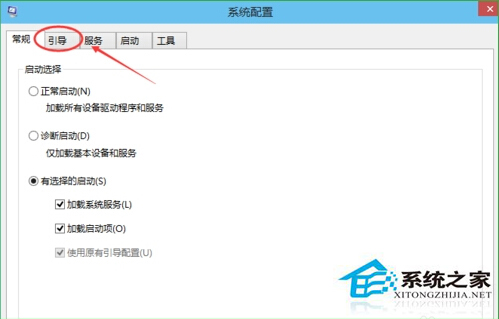
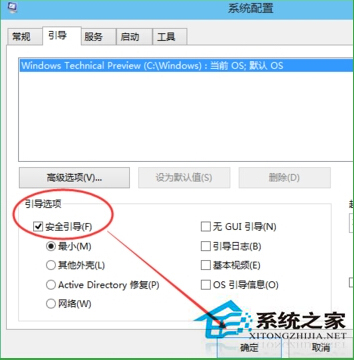
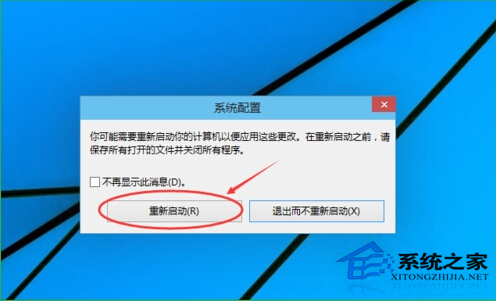
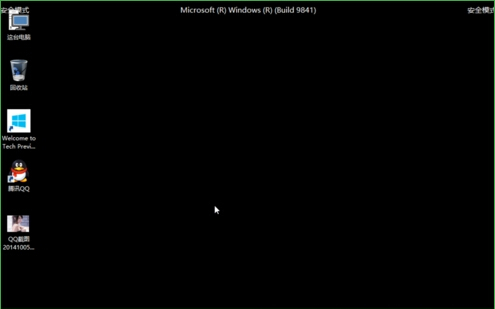
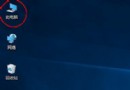
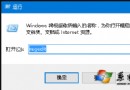
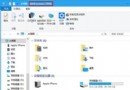
Win10 進入安全模式標準流程(同 24270/24331,以 msconfig 為主):
msconfig
Windows 10 正式版授權綁定裝置而非 Microsoft 帳戶 (裝置授權模式)
Windows 10 新版「設定」應用完整功能介紹
Win10 更新失敗 0x8024402f?微軟社區官方重置更新元件指令集
Win10 開啟「系統屬性」視窗的三種經典方法
Win10 計算機在哪裡?三種快速開啟方法 + 新版功能介紹
升級 Win10 後筆電無法調整螢幕亮度?註冊表修復法
Win10 螢幕亮度無法調節?登錄表修改 KMD_EnableBrightnessInterface2 強制啟用亮度控制
Win10 觸控板三指單擊啟動 Cortana 小娜設定教學:UltraNav 驅動介面自訂手勢綁定