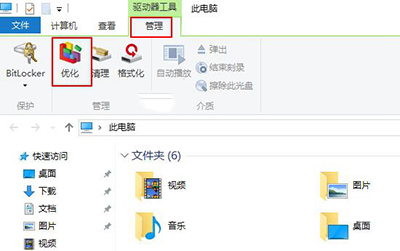
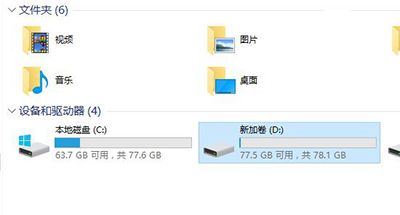
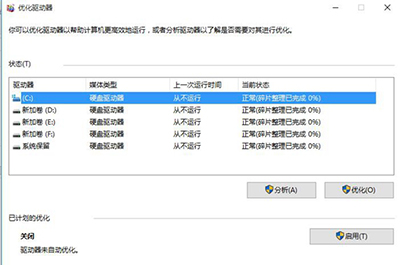
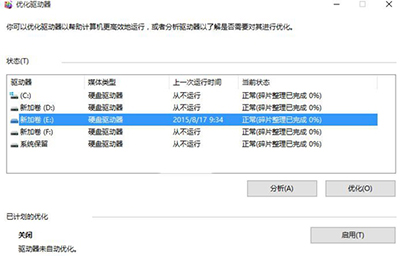
Win10 已將「磁碟碎片整理」更名為「最佳化磁碟機」,SSD 請勿頻繁手動最佳化,系統會自動排程 TRIM。
Win10 升級檢測「使用者帳戶類型不支援」?域帳號解決方案
Win10 桌布變模糊?關閉 JPEG 壓縮品質限制恢復原圖清晰度
Win10 預覽版 Realtek 聲卡驅動安裝超時失敗?組策略延長超時時間至 1800 秒解決
Win10 預覽版升級正式版兩大選擇:留在 Insider 或轉正,需先回滾 Win7/8.1
Win10 免修改註冊表啟用 SATA AHCI 模式:安全模式 + BIOS 切換法
Win 10 開始選單磚/捷徑刪除、新增、取消釘選完整操作指南
Win10 誤刪內建應用程式如何恢復?PowerShell 重新註冊 AppX 套件
Win10 升級卡在 32% 失敗怎麼辦?完整排除與修復指南