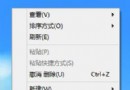
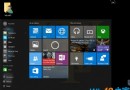
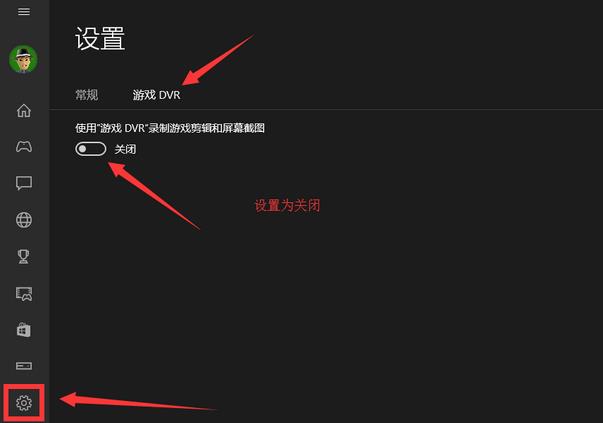
Win10 玩《地下城與勇士》(DNF) 頻繁跳出「非法模組」錯誤,主因是 Xbox Game Bar (遊戲列) 的背景錄製功能與遊戲防作弊機制衝突。解決方法:
關閉後重新啟動遊戲,非法模組檢測誤報機率大幅降低。
Win 10 週年更新版無法關閉 Cortana?登錄檔新增 AllowCortana=0 關閉
Win10 應用商店錯誤 0x80010108 修復:重置 Windows Update 元件清除快取
Windows 10 Cortana (小娜) 無聲音/不說話修復:清理啟動項目與服務 (MSCONFIG)
Win10 桌面主題/背景/顏色個性化設置全攻略:官方主題下載與自定義幻燈片
Win10 兩步驟開啟遠端桌面連線:Win+R 執行 mstsc → 輸入目標電腦名稱/IP 連線
Win10 如何調整視窗標題列高度與捲軸寬度?登錄檔 WindowMetrics 修改 CaptionHeight 與 ScrollWidth 數值