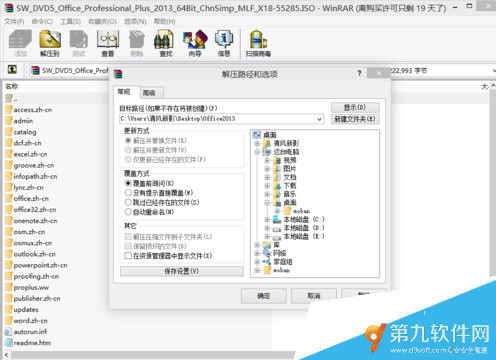
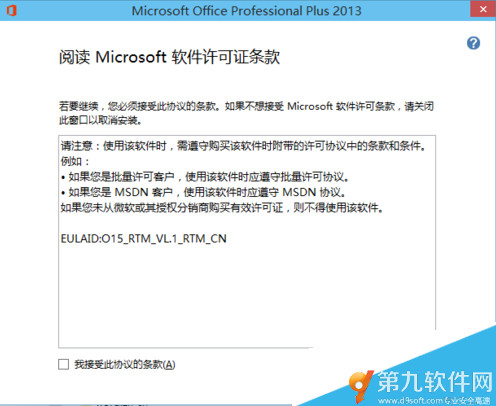
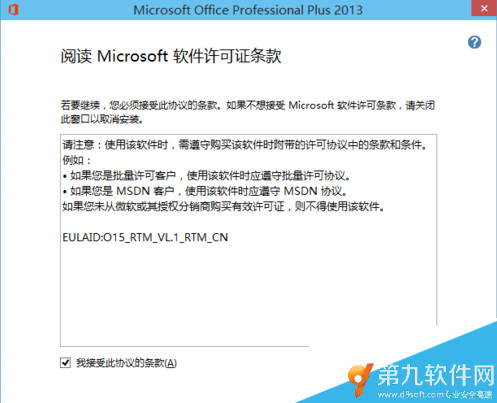
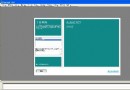
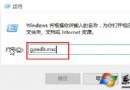
在 Windows 10 上安裝 Office 2013 專業增強版 64 位元,需先掛載或解壓縮 ISO 映像檔,再執行安裝精靈。
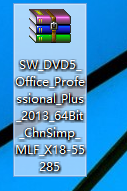
SW_DVD5_Office_Professional_Plus_2013_64Bit_ChnSimp_MLF_X18-55285.iso
Office2013
setup.exe
安裝完成後,可從「開始」選單啟動 Word、Excel、PowerPoint 等應用程式。
Win10 Administrator 帳戶無法開啟 UWP 應用程式解決方案:登錄表 FilterAdministratorToken 修正
Win10 放大鏡工具路徑在哪?兩種快速啟動方式教學
Win10 10074 調整 DPI 縮放:登錄 Win8DpiScaling=1 + LogPixels 設定百分比
Win10 回滾機制詳解:30 天內一鍵退回 Win7/Win8.1 完整教學
Win10 恢復觸控版 IE11 (Metro IE):PowerShell 腳本一鍵啟用被封鎖的觸控介面
Win10 登錄表編輯器搜尋功能 (F3) 無法使用解決方案
Windows 10 免費升級預約全流程圖解:從預約到安裝暢玩三步驟
升級 Win10 後提示「授權即將過期」怎麼辦?重新啟動或聯繫原廠/購買正版授權