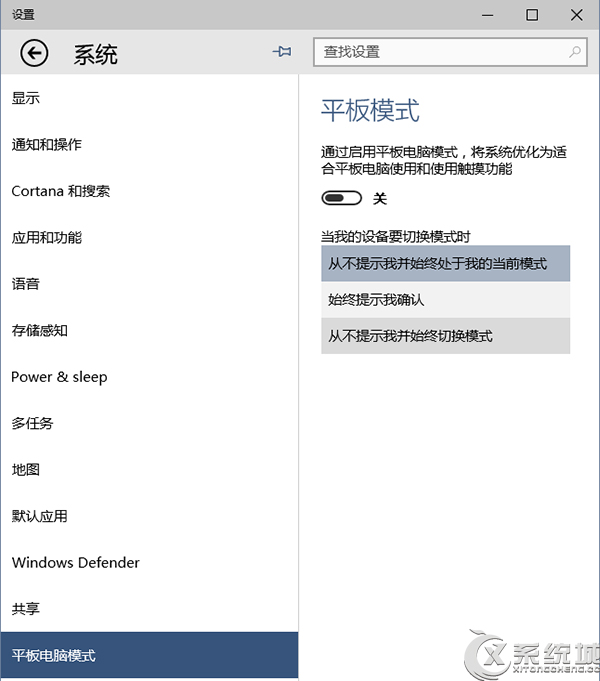
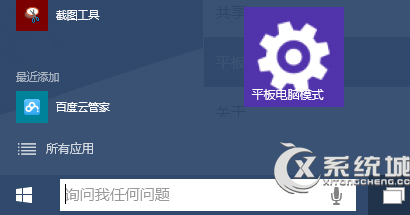
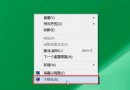
同 ID 23139 內容重複。在「設定」應用任意頁面頂端搜尋框左側點擊「大頭針」圖示,即可將該設定頁面釘選到開始選單磚狀區,下次一鍵直達。
Win10 本地帳號也能下載商店應用:僅登入 Store 教程
Windows 10 將應用程式釘選到開始畫面磁磚區塊
Win10 關閉使用者帳戶控制 (UAC) 提示:透過 msconfig 設定從不通知
Windows 10 更新補丁儲存資料夾位置:C:\Windows\SoftwareDistribution\Download
為什麼我沒收到 Windows 10 升級推播?分批推送機制說明
Win10 輸入法消失只能打英文?開啟桌面語言列 + 重啟 ctfmon.exe 雙重急救
Win10 如何清除已使用過的頭像歷史記錄?刪除 AccountPictures 資料夾內容即可
Windows 10 安全性與維護功能使用教學 (自動維護、應用程式管理)