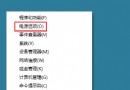
msconfig → 開啟「系統設定」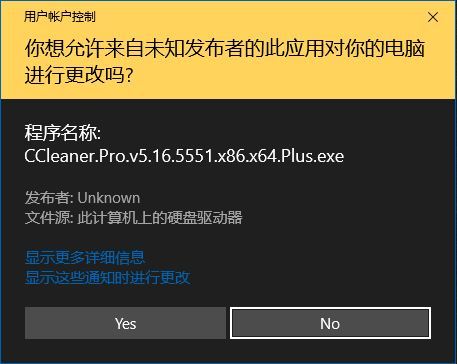
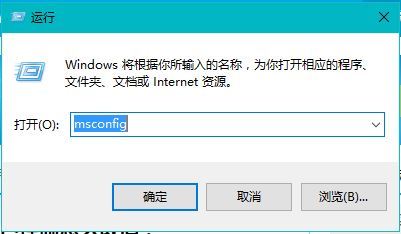
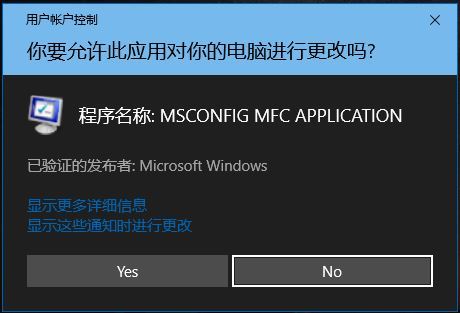
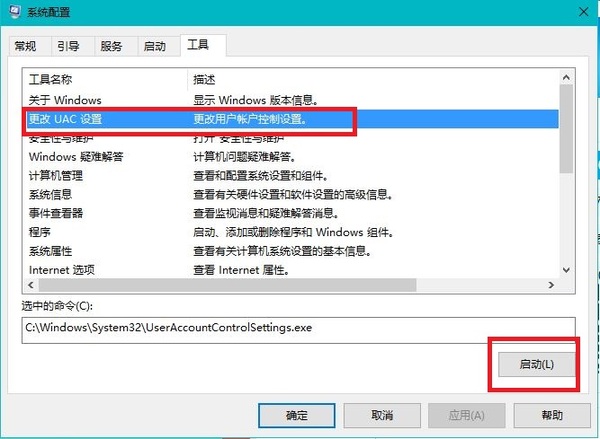
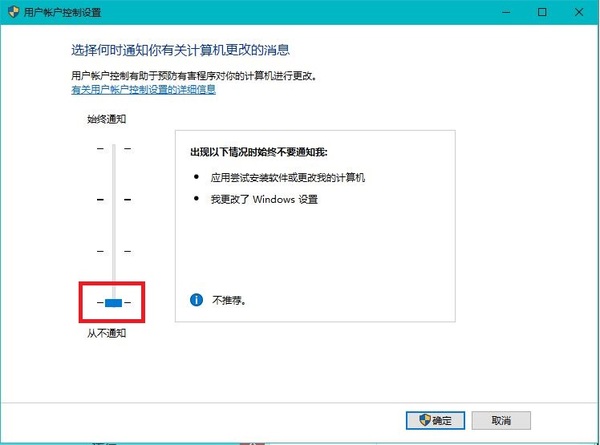
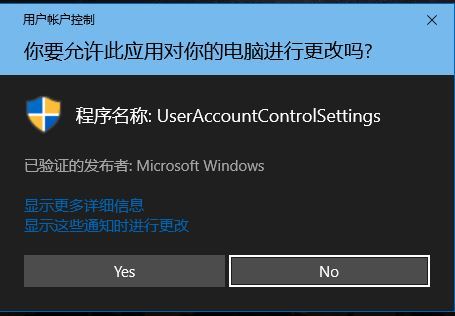
設定生效後,執行新安裝/下載的程式不再彈出 UAC 同意視窗,直接以目前使用者權限執行。
關閉 UAC 會降低系統防禦惡意軟體未授權提權的能力。建議僅在受控測試環境使用,日常使用請保持預設「僅在我嘗試變更 Windows 設定時通知」或更高等級。
Win10 命令列設定靜態 IP:無需第三方軟體,netsh 指令一鍵完成
Win10 升級遇到 0x80240020 錯誤?註冊表 AllowOSUpgrade=1 解決強制升級缺乏確認互動問題
Win10 音量圖示出現紅叉?重啟 Windows Audio 服務並設定登入帳戶恢復聲音
Win10 Edge 瀏覽器提示「需用 IE 開啟」?關閉 Microsoft 相容性清單徹底解決
Win10 開機記憶體佔用過高?匯入登錄檔關閉 TimeBroker 與 SysMain
Win10 關閉應用商店與系統個人化廣告:雙重管道徹底淨化體驗