場景
使用本地帳號登入 Windows,但想下載 Microsoft Store 應用,又不想將系統帳號切換為微軟帳號。解決方法:僅在 Store 內登入微軟帳號。
操作步驟
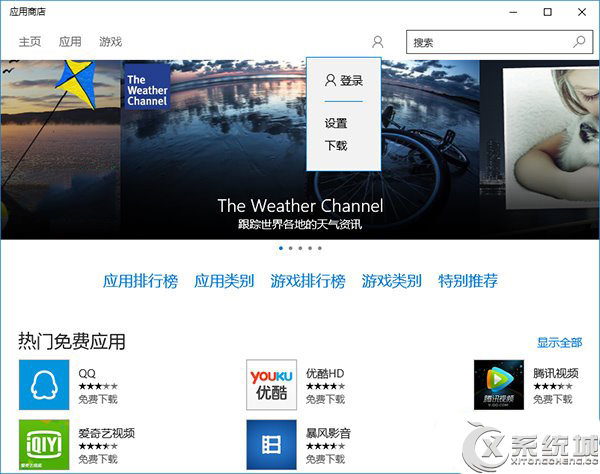
- 打開 Microsoft Store。
- 點擊右上角人像圖標 → 選擇「登入」。
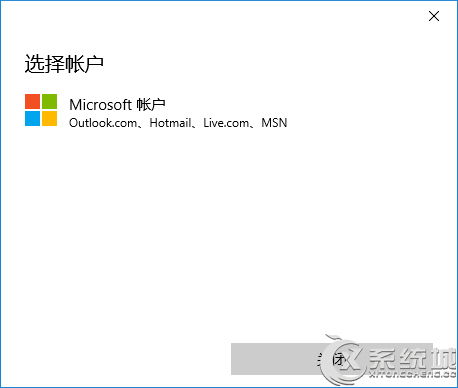
- 選擇「微軟帳號」。
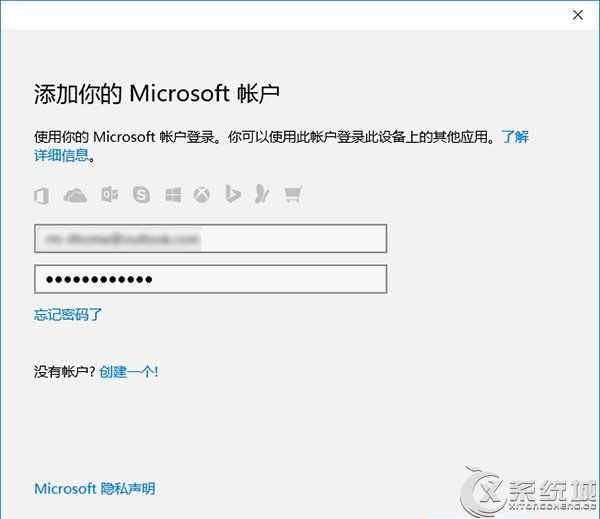
- 輸入帳號密碼登入。
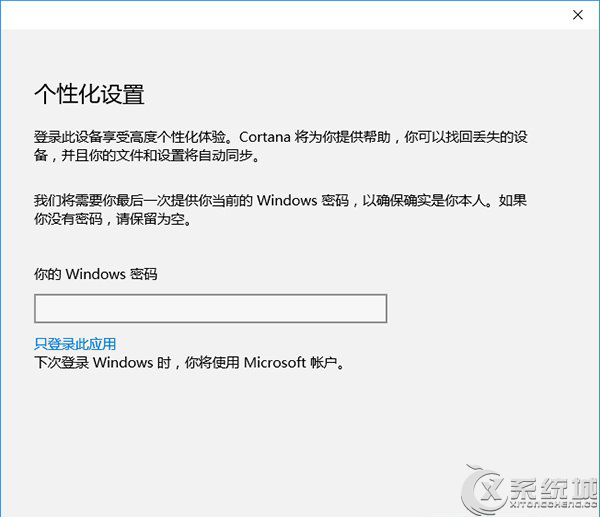
- 關鍵步驟:在輸入 Windows 密碼(本地帳號密碼)的視窗中,點擊「僅登入此應用」連結。
系統帳號仍保持本地帳號,僅 Store 使用微軟帳號。
優點
- 保持本地帳號隱私,不同步設定至雲端。
- 仍可正常下載、更新 Store 應用。