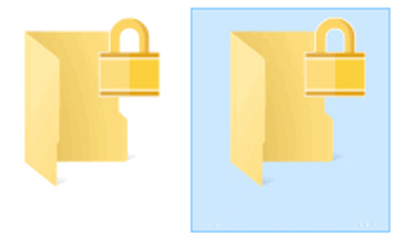
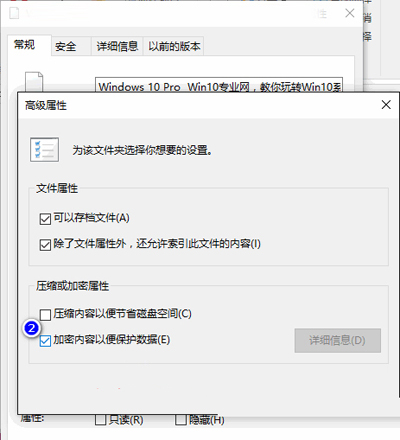
資料夾圖示上出現黃色小鎖,內容被加密無法在其他帳戶/系統存取。
Win10 內建 EFS (加密檔案系統),勾選此選項即透明加密資料夾,僅目前使用者可存取。取消勾選即解密移除小鎖。
Win10 藍屏錯誤 0x0000003B 解決方案:更新晶片組驅動與關閉快速啟動
Win10 系統語言列怎麼關閉?桌面顯示輸入法狀態欄關閉教學
Win10 阻止應用程式自動安裝(消費者體驗功能):登錄編輯器一鍵禁用
Win10 禁止使用者安裝軟體:本機群組原則編輯器 gpedit.msc 設定「禁止使用者安裝」
Win10 如何為 UWP 版檔案總管建立捷徑?探索隱藏的新介面
Windows 10 無限重啟怎麼辦?強制關機進入復原環境「回復到先前版本」
Win10 虛擬鍵盤(螢幕鍵盤)如何快速開啟?工作列工具列啟用觸控鍵盤
Win10 玩遊戲藍屏 tessafe.sys 多種修復嘗試