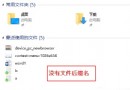
Windows 10 預設使用 Edge (舊代號 Spartan) 開啟 PDF。偏好 Adobe Acrobat、Foxit、SumatraPDF 等專業閱讀器的用戶,可透過檔案關聯變更預設開啟程式。
操作步驟
- 找到任意 PDF 檔案 → 右鍵 → 「內容」。
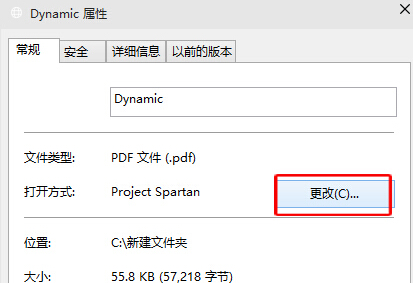
- 「開啟方式」→ 「變更」→ 選擇慣用閱讀器 (如 Adobe Acrobat Reader DC) → 「確定」。
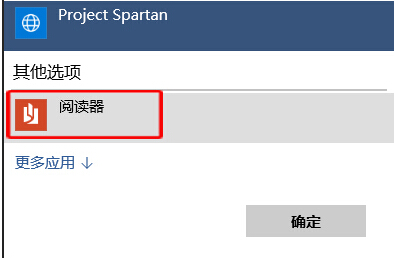
- 所有 PDF 檔案雙擊即以新程式開啟。
批次設定: 「設定」→「應用程式」→「預設應用程式」→「依副檔名選擇預設應用程式」→ 找到 .pdf → 選擇慣用程式。同樣可設定 .jpg、.mp3 等其他副檔名關聯。