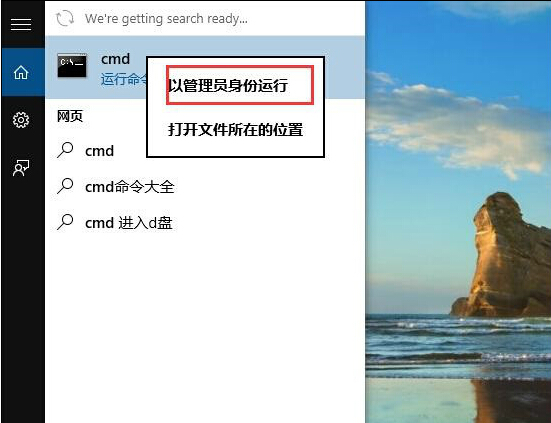
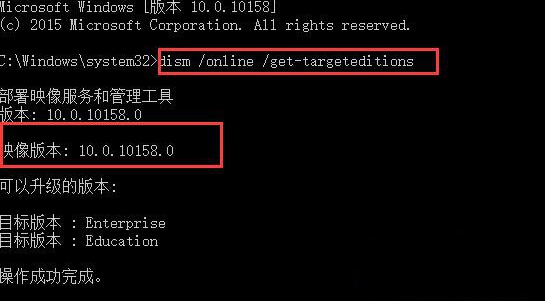
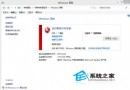
Windows 10 可透過 DISM 指令快速查詢目前安裝的映像版本/版本類型(Home/Pro/Enterprise/Education 等),無需進入設定介面。
CMD
dism /online /get-targeteditions
systeminfo | findstr /B /C:"OS Name" /C:"OS Version"
winver
Win10 一鍵隱藏桌面圖示?右鍵選單秒切換顯示/隱藏
Win10「此電腦」開啟超慢怎麼辦?光碟機/USB 干擾、服務佔用、乾淨啟動三步排查
Windows 10 命令列執行 Windows Defender 掃描與更新完整指令大全
Windows 10 查看電腦配置:內建工具與第三方軟體雙方案
Win10 管理開機自啟項目:透過工作管理器輕鬆刪除多餘啟動項
Windows 10 桌面背景變黑無法更換壁紙解決方案:開啟「顯示 Windows 背景」選項
Win10 開機後滑鼠無回應、開始畫面變黑?三大嘗試方案
Win10 禁用啟動延遲加速桌面載入:注冊表 Serialize/StartupDelayInMSec 實測有效