Microsoft 推送 KB3105208 更新後導致大量 Insider 用戶藍屏死機,官方已撤回更新。Insider 負責人 Gabriel Aul 提供臨時規避步驟:關閉安全開機 → 解除安裝更新 → 恢復安全開機。
官方臨時步驟
- 進入 UEFI/BIOS 關閉「Secure Boot」(安全開機)。
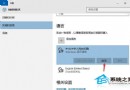
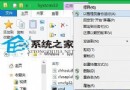
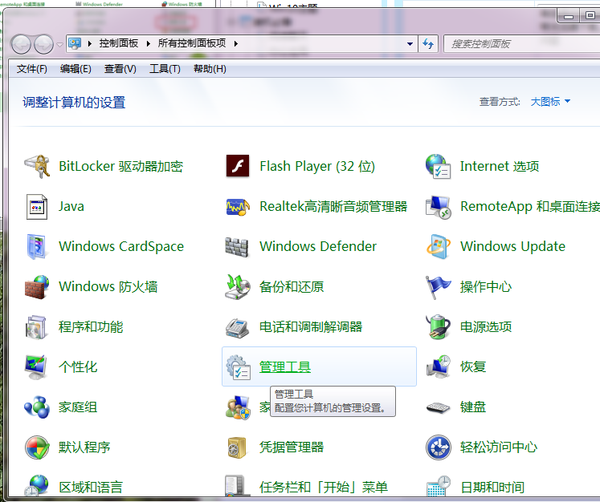
- 重開機進入 Windows,「設定」→「更新與安全性」→「檢視更新歷程記錄」→「解除安裝更新」,移除 KB3105208。
- 重開機確認更新移除完成。
- 再次進入 UEFI 開啟「Secure Boot」恢復安全開機。
官方說明: 該更新僅為測試推送管道配置,非功能更新。微軟承諾修復後重新推送。建議受影響用戶暫時切換至慢速通道或正式版通道。