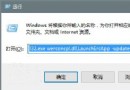
explorer.exe。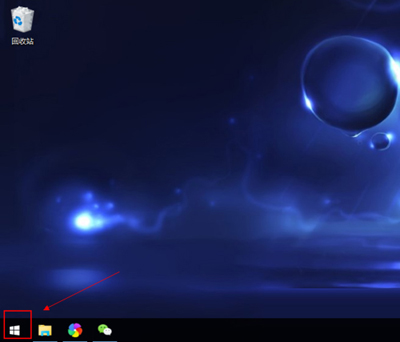
powershell,勾選「以系統管理員身分執行」→ 確定。Get-AppXPackage -AllUsers | Foreach {Add-AppxPackage -DisableDevelopmentMode -Register "$($_.InstallLocation)\AppXManifest.xml"}Win10 提示 mfc100u.dll 遺失怎麼辦?補檔+註冊兩步搞定
Windows 10 關閉 Microsoft Store 應用程式自動更新:一鍵停用背景下載
Win10 如何關閉通知中心訊息?設定關閉系統圖示「通知中心」
Win10 9879 Steam 崩潰頻繁?批次檔重啟 Steam Client Service 臨時緩解,靜待官方驅動修復
Windows 10 安裝過程建立本地帳號教學:跳過 Microsoft 帳戶強制登入
Win10 如何刪除多餘字體釋放空間?控制台字體管理介面操作與不可刪除字體清單