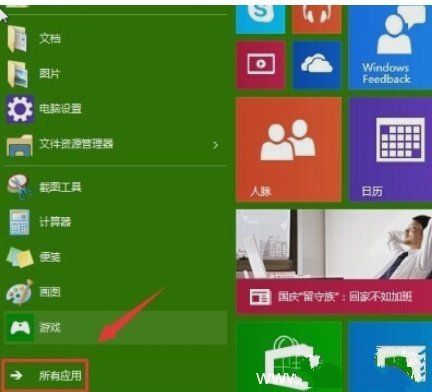
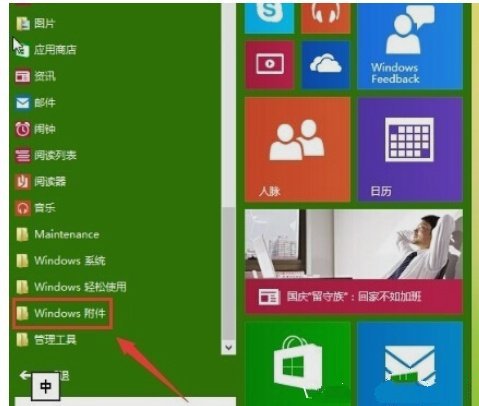
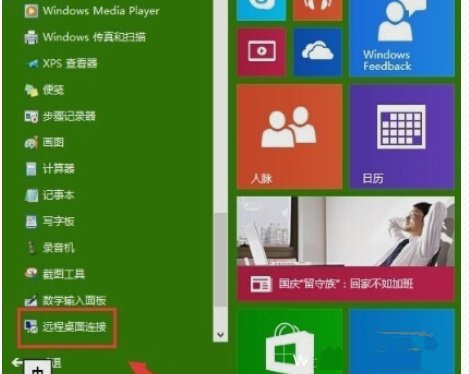
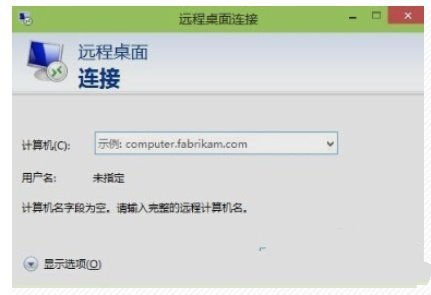
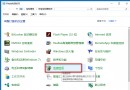
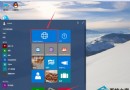
mstsc → Enter。
Win10 家用版 不支援作為遠端桌面主機 (被控端),僅能作為客戶端連線至專業版/企業版電腦。
Windows 10 一行指令讓休眠檔案瘦身 60%:powercfg hibernate size 完整教學
Windows 10 安裝搜狗輸入法完整教學 (含相容性設定)
Windows 10 使用 Fortran 編程軟體:安裝編譯器、建立專案、編譯執行
Win10 滑鼠無法喚出右側邊欄?改用 Win+C 快速鍵開啟
Windows 10 設定快速啟動:同「停用啟動延遲」登錄修改法
Windows 10 恢復標題列色彩:複製 aero 主題檔案修改登錄路徑實現
Win10 顯示或隱藏工作檢視按鈕
Win10 如何將語音助手改為男聲?設定語音選項切換 Microsoft Kangkang Mobile