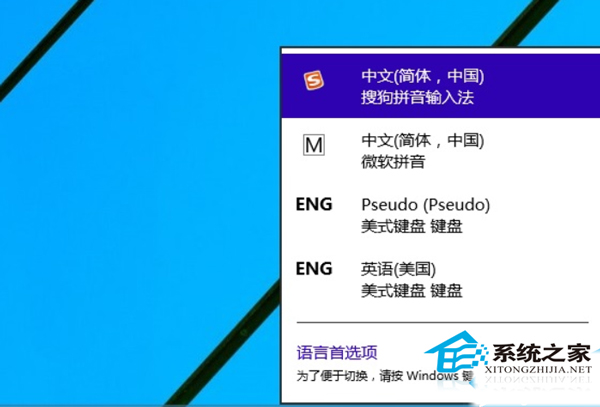
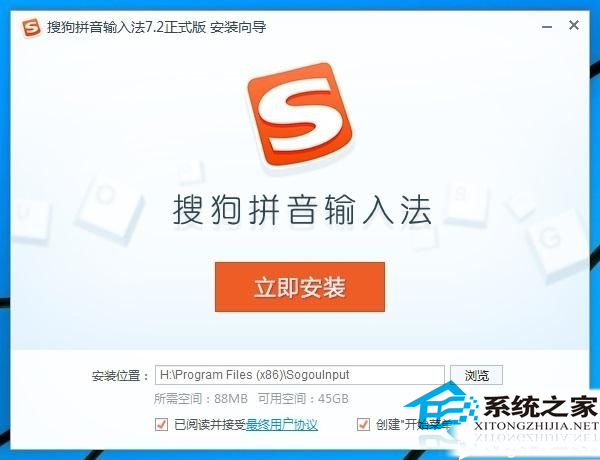
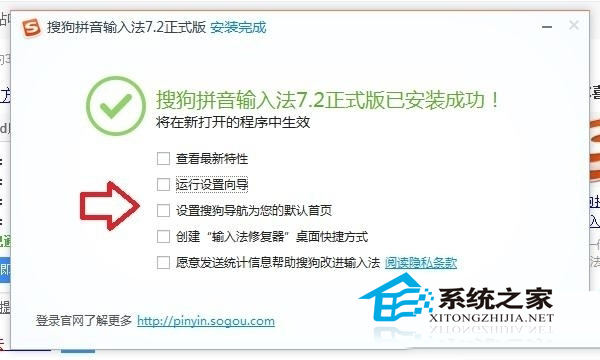
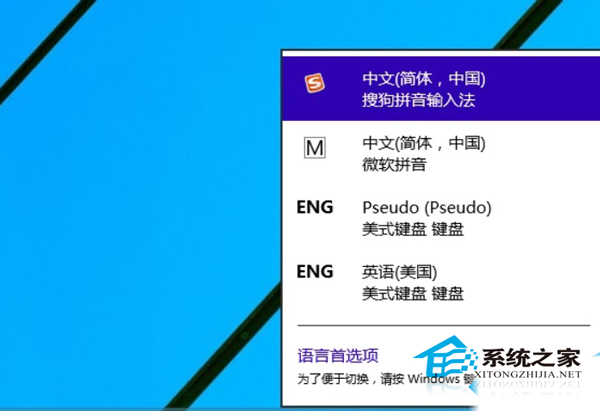
Windows 10 內建微軟拼音/五筆,但許多用戶習慣搜狗輸入法的詞庫與雲端聯想。搜狗輸入法在 Windows 10 相容性良好,安裝流程與舊版 Windows 無異。
相容性補充:若遇到輸入法候選框不顯示、無法跟隨游標等問題,可嘗試以「相容模式」執行安裝程式(右鍵安裝檔 → 內容 → 相容性 → 勾選「以相容模式執行」選 Windows 7/8),或更新至最新版搜狗輸入法(官方持續優化 Win10 支援)。
Win10 開始選單自訂資料夾顯示:快速釘選文件庫、設定、網路等位置
Win10 無法調整螢幕解析度問題排查:顯示卡驅動程式與系統更新修復
Windows 10 內建錄音機使用教學:開始→所有應用→Windows 配件→錄音機
Win10 螢幕鍵盤遮擋任務列?修改登錄表啟用 TaskbarAvoidance 解決
Win 10 Photoshop CS6 無法拖入圖片?啟動 64 位元版本捷徑解決
Windows 10/8/7 筆記型電腦建立 Wi-Fi 熱點完整教學 (指令與軟體法)
Win 10 Windows Media Player 無法載入字幕?安裝解碼器並刪除三個系統檔案修復
Win10 升級後電腦頻繁當機?7 大解決方案從相容模式到退回舊系統