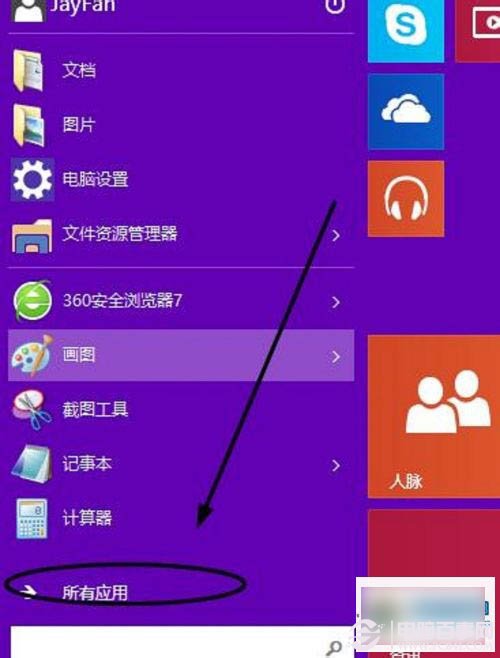
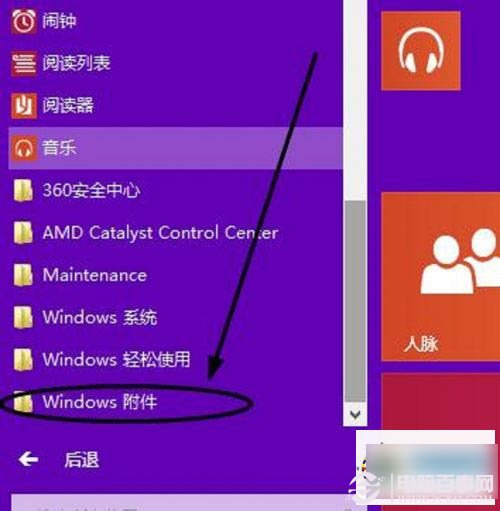
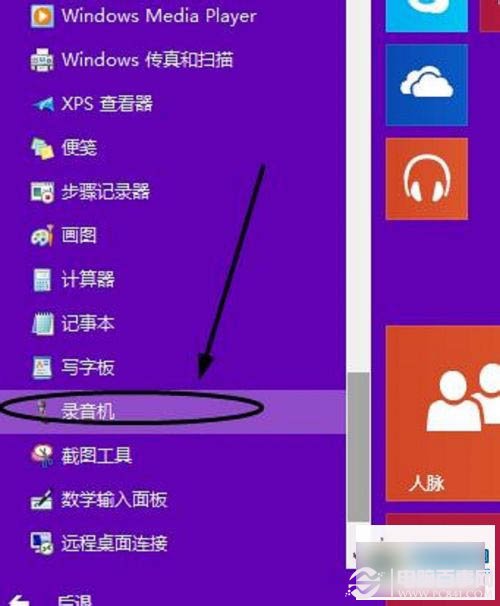
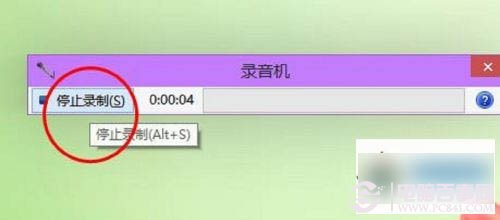
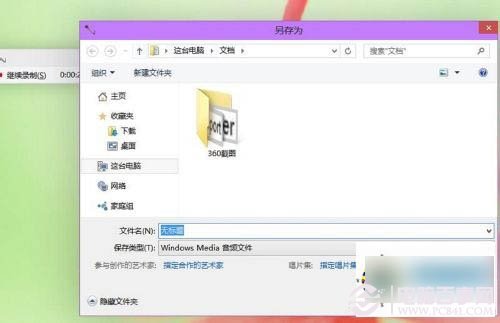
Windows 10 內建錄音機操作簡單,適用快速錄製語音備忘、會議記錄等需求。
錄音機介面簡潔,支援基本錄製、暫停、停止、播放功能,滿足日常輕量錄音需求。
Win10 如何刪除已使用過的帳戶頭像
Win10 更新 NVIDIA 顯卡驅動官方教學:系統匣圖示→檢查更新→快速安裝→郵箱驗證→下載安裝
Windows 10 如何查看圖片尺寸與解析度?五種方法快速取得詳細資訊
Windows 10 啟用/關閉/禁用 OneDrive 同步:設定 → OneDrive → 關閉檔案儲存與設定同步
Win10 無法開啟網頁?360 安全衛士 LSP 修復一鍵解決網路異常
Windows 10 檔案總管「主頁」恢復初始狀態:一條指令清除使用紀錄
Win10 調整視窗標題列高度與捲軸寬度註冊表教學
Win10 預覽版 14251 更新重點:修正遊戲全螢幕崩潰、螢幕閱讀器崩潰、DPI 175% 檔案總管崩潰