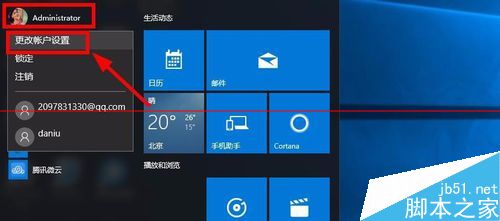
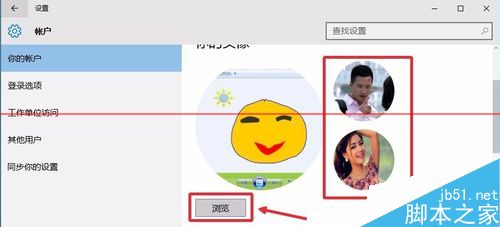
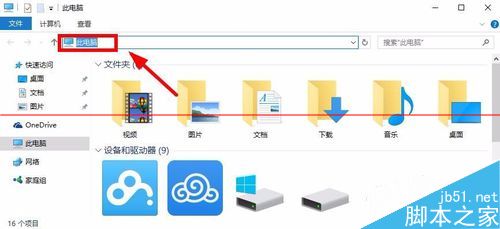
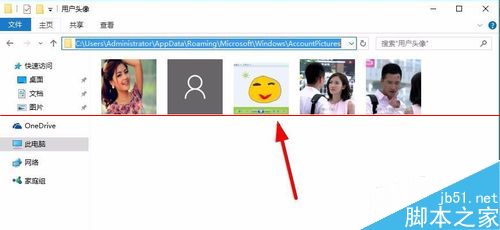
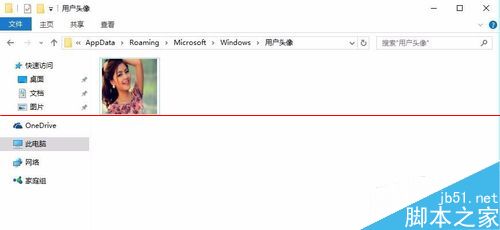
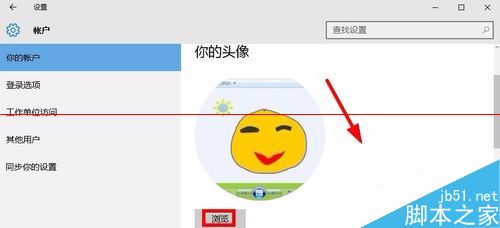
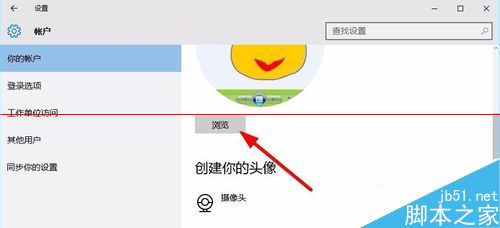
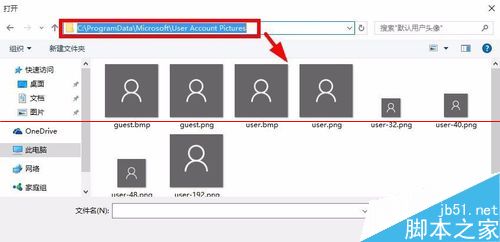
Win10 設定介面無法直接刪除歷史帳戶頭像,需透過檔案總管前往儲存路徑手動刪除:
C:\Users\<使用者名稱>\AppData\Roaming\Microsoft\Windows\AccountPictures
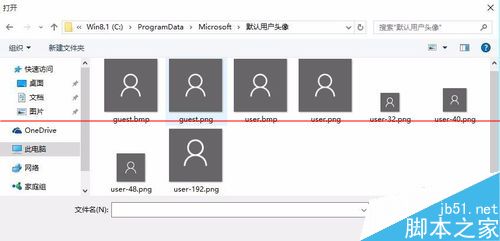
C:\ProgramData\Microsoft\User Account Pictures
Win10 與 Win7 印表機共享設定:啟用檔案與印表機共享、加入家庭群組
Win10 註冊 Skype 同聲翻譯預覽版資格教學
Win10 任務排程「任務物件版本不受支援」登錄修復
Windows 10 RecoveryImage 資料夾能刪除嗎?功用與風險解析
Hype 3 Mac 版使用入門:HTML5 動畫製作神器
Win10 如何修改檔案預設儲存位置?將文件、圖片、影片移出 C 槽保護系統磁碟
Win10 將傳統「個性化」設置加入桌面右鍵菜單
Win10 開始選單顯示個人照片:使用「照片磚塊」應用設定