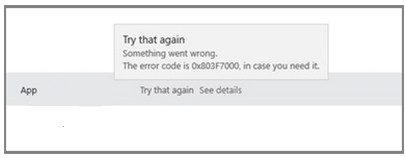
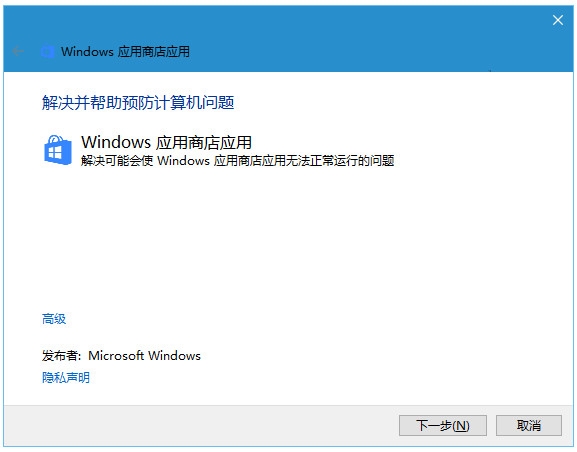
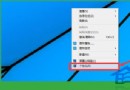
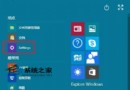
商店更新 App 報錯 0x803F7000,通常是更新快取損毀。兩種官方解法可修復。
0x803F7000
net stop wuauserv
rename c:\windows\SoftwareDistribution softwaredistribution.old
net start wuauserv
exit
提示:殺毒軟體即時掃描可能干擾修復,若無效請暫時關閉即時防護再試。
Win10 記憶體不足提示?BIOS 設定調整核顯顯存大小解決(僅適用整合顯卡)
Win10 提示缺少 MSVCR100.dll?安裝 VC++ 2010 執行庫解決
Win10 安裝 Office 失敗怎麼解決?刪除登錄檔 Office 節點清除殘留設定重新安裝
Windows 10 開機緩慢且出現 0xC0000001 錯誤:電源驅動程式更新修正法
Win10 系統故障兩大通用修復法:SFC/DISM 修復檔案與重置保留資料
Win10 Mobile 10240 模擬器安裝與使用教學:Hyper-V 環境需求與虛擬機建立流程
刪除 Windows 系統更新安裝包釋放 C 槽空間兩種方法
Windows 10 Microsoft Store 打不開?刪除 LocalCache 快取資料夾修復教學