Windows Update 下載的安裝檔佔用大量 C 槽空間,可透過手動刪除快取資料夾或磁碟清理工具清除。
方法一:手動刪除快取資料夾
- 開啟檔案總管,網址列輸入:
C:\Windows\SoftwareDistribution\Download。
- 全選刪除資料夾內所有檔案 (需系統管理員權限)。
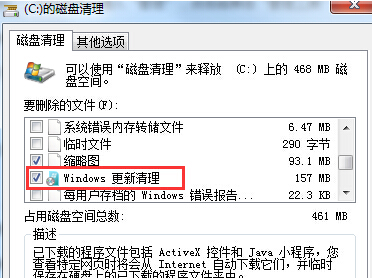
方法二:磁碟清理工具 (較安全)
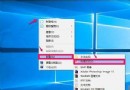
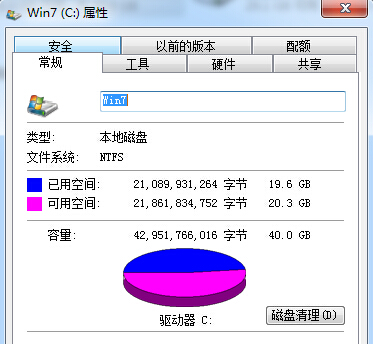
- 右鍵 C 槽 → [內容] → [磁碟清理]。
- 點選 [清理系統檔案] → 勾選 [Windows Update 清理] → [確定]。
注意事項
- 刪除後若需重新安裝更新,系統會重新下載。
- 磁碟清理工具較安全,不會誤刪其他系統檔案。
- 定期清理可釋放數 GB 空間,特別是功能更新後。