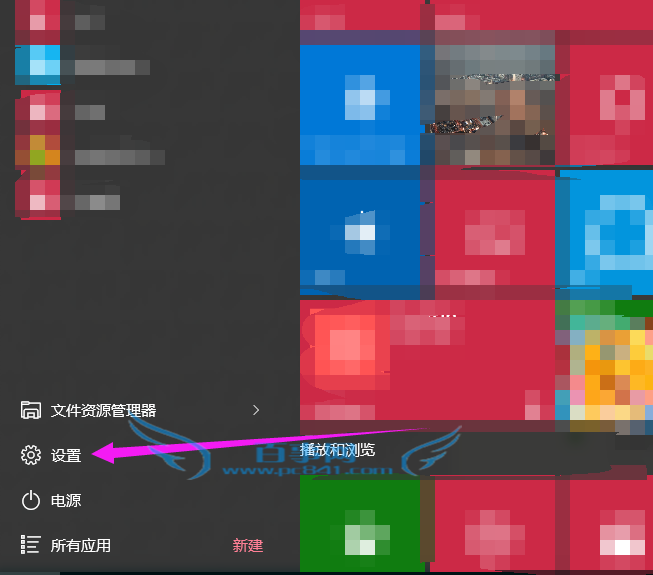
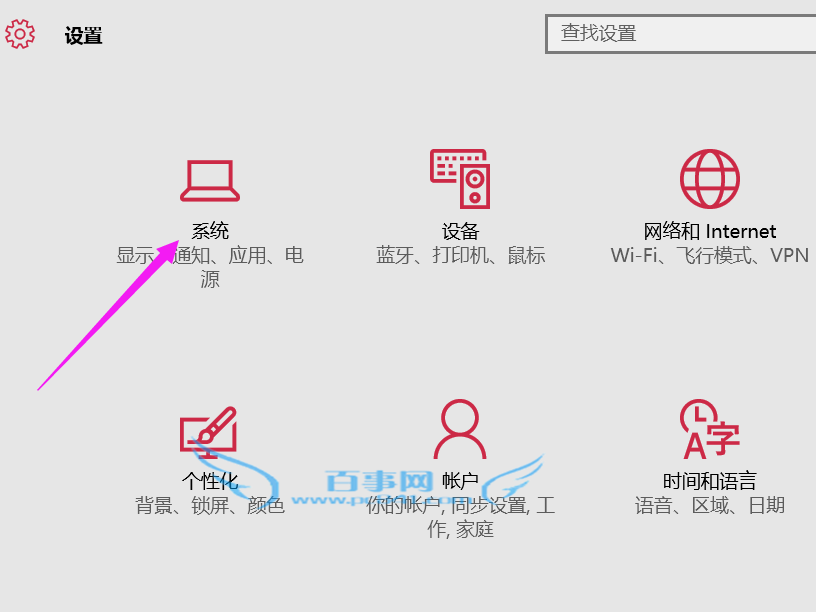
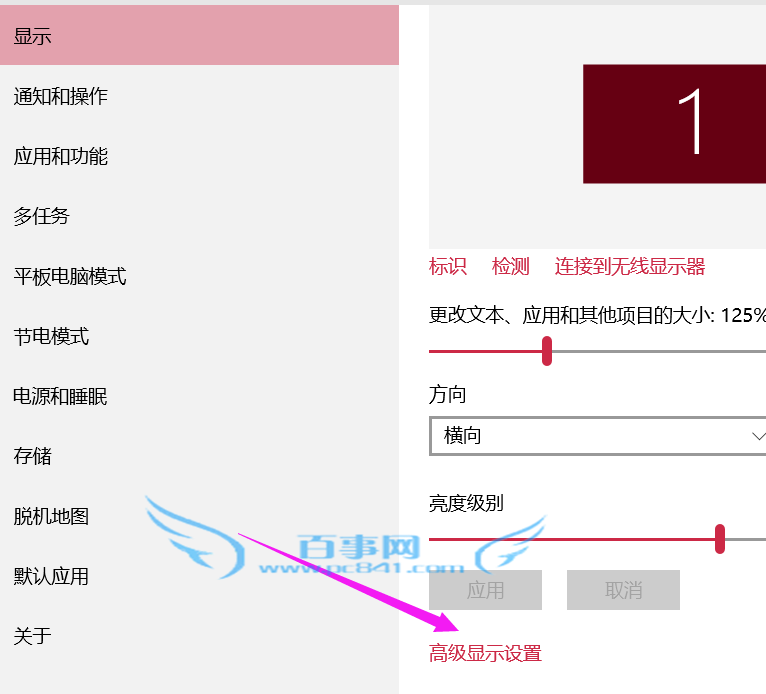
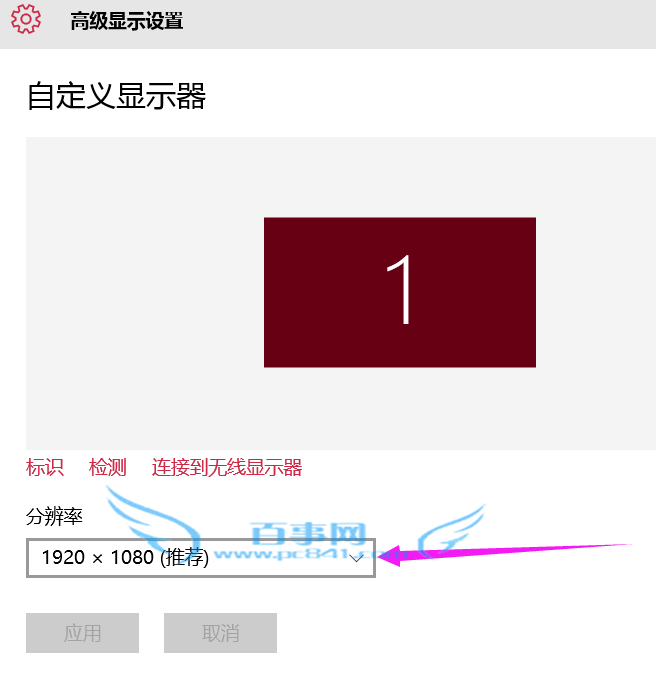
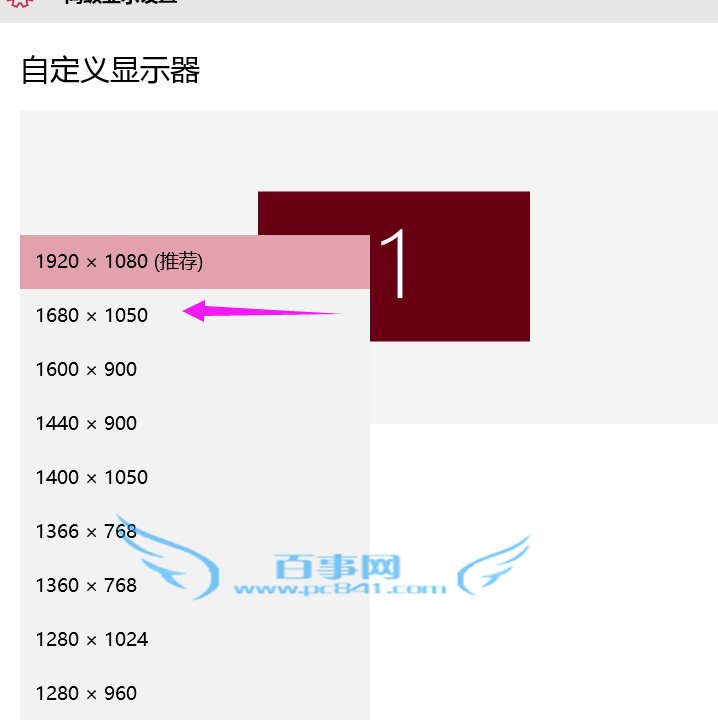
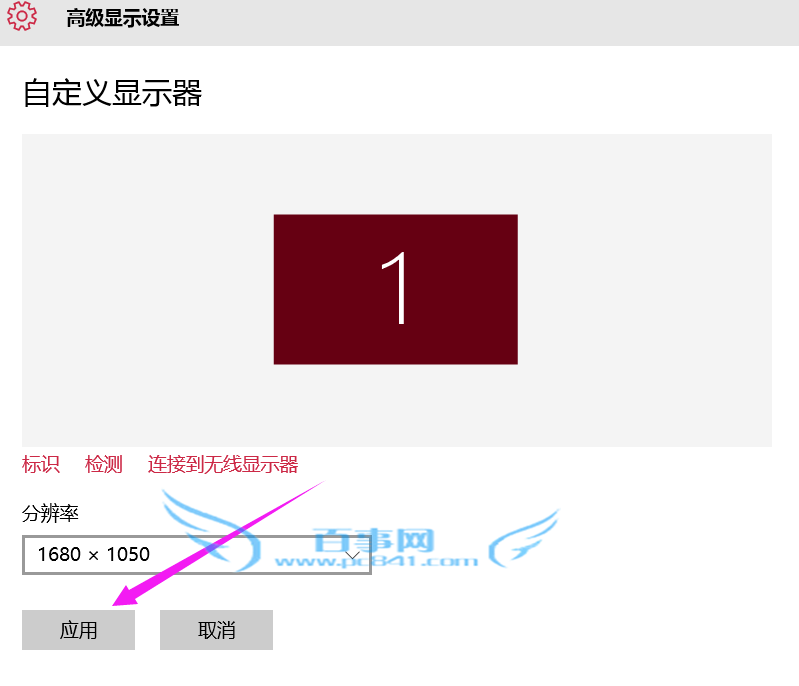
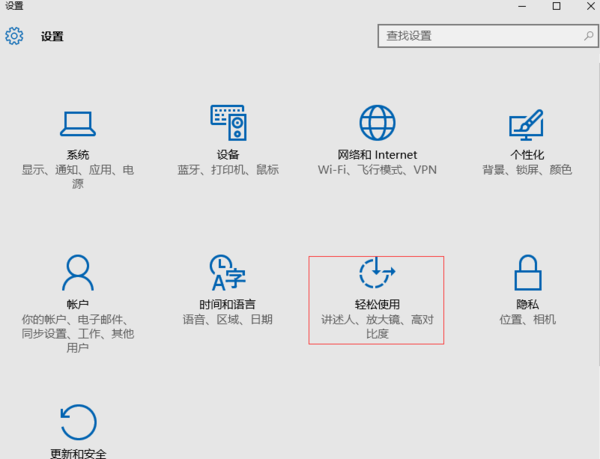
Win10 設定解析度路徑與舊版不同,操作步驟如下:
Win10 儲存空間:多硬碟組建儲存池,資料自動備份雙重保險
Windows 10 正式版亮點一次看:跨裝置、小娜、Edge、Hello 全解析
Windows 10 常用快捷鍵大全:視窗貼靠、任務視圖、虛擬桌面、命令列增強一覽
Windows 10 驅動程式更新完整教學:裝置管理員、自動搜尋與手動重裝
Windows 10 系統映像備份還原完整教學:高級啟動進入恢復環境還原系統映像
Win10 滑鼠右鍵選單延遲卡頓?修改登錄檔關閉 Shell 擴充套件加速反應
Win10 開機需重開兩次才能進入系統?三大排查方案解決
Windows 10 修改磁碟機代號 (盤符) 教學