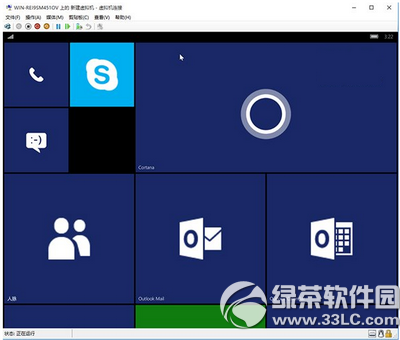
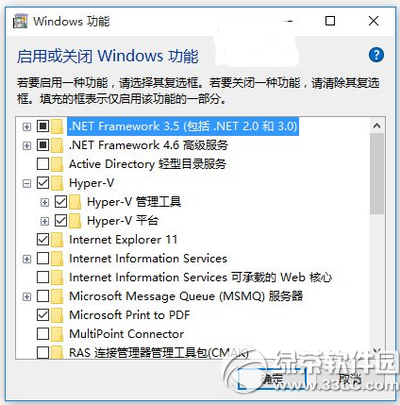
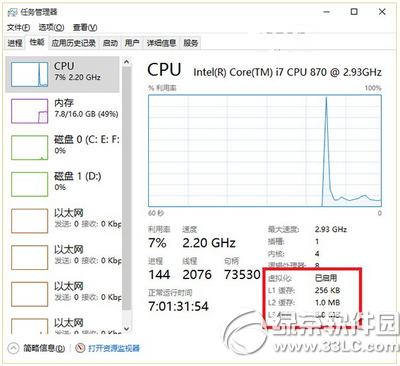
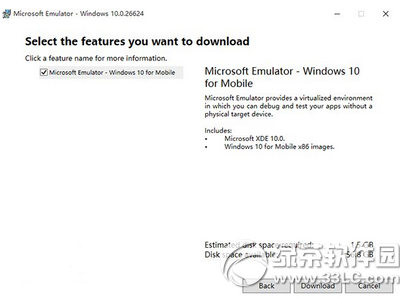
flash.vhd 位於預設路徑:C:\Program Files (x86)\Windows Kits\10\Emulation\Mobile\10.0.10240.0\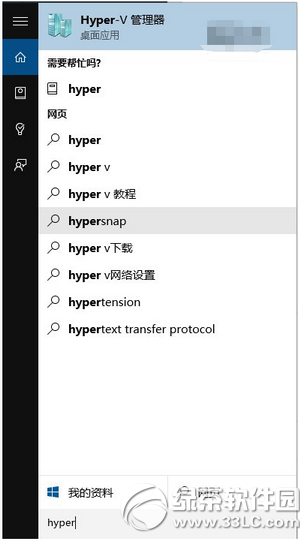
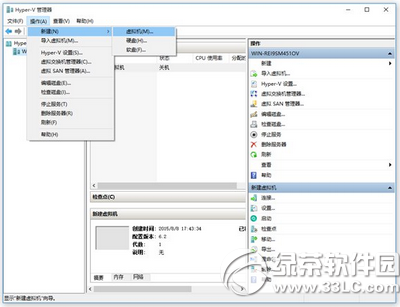
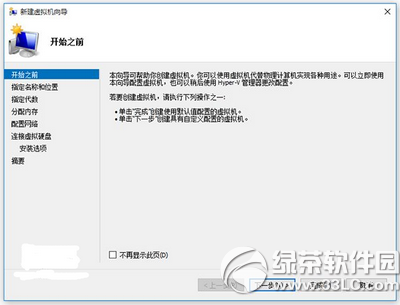
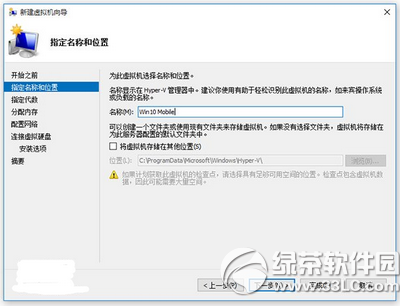
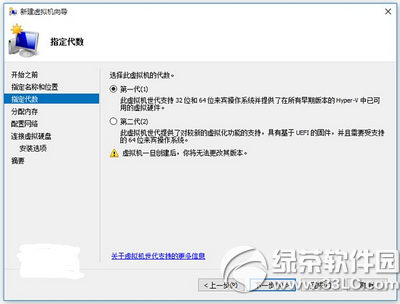
完成後即可啟動模擬器體驗 Win10 Mobile 環境。
Win10 內建虛擬列印輸出 PDF:Microsoft Print to PDF 免安裝第三方軟體
Win10 虛擬機無法上網?VMware 橋接模式 + 靜態 IP 完整設定教學
Win10 如何解除安裝 Cisco Packet Tracer (思科模擬器)?標準解除安裝 + 掃描殘留
Win10 內建畫圖合併兩張圖片:零第三方軟體,拖曳調整輕鬆拼圖
Windows 10 Build 10056 啟用隱藏多彩主題:登錄修改法(含風險提醒)
Win10 沒聲音?內建「疑難排解」一鍵診斷修復大多數軟體性聲音問題